 Mohi
Mohi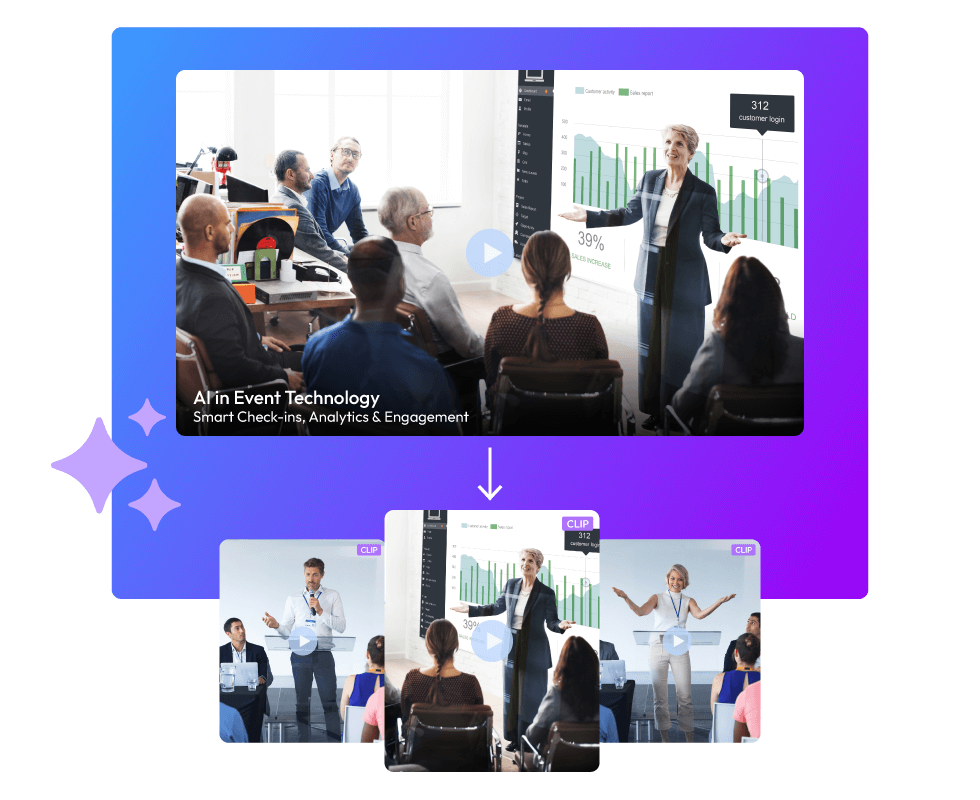
Event marketing isn't just an afterthought; it's something event planners consider during the whole process. That's why they get the best photographers and videographers to capture the event highlights. You always see a big photography team at these events. But just capturing the best parts isn't enough for event marketing. You need to edit the footage to get a finished product that you can actually use. Imagine spending days working with photographers, videographers, and editors, only to end up with nothing because someone got sick! Or they filmed so much stuff that it would take weeks to organize it all! What then? You waste time, money, and your patience! AI event video highlights can totally change how this works. Let's see how in this blog!
What Are AI Event Highlights?
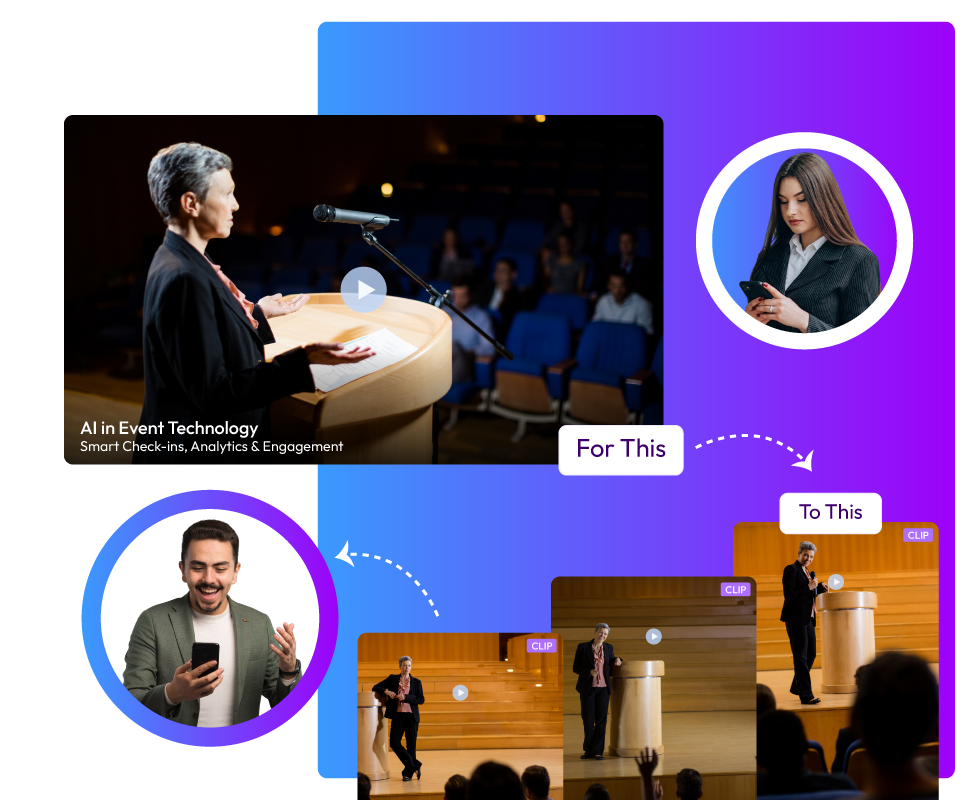
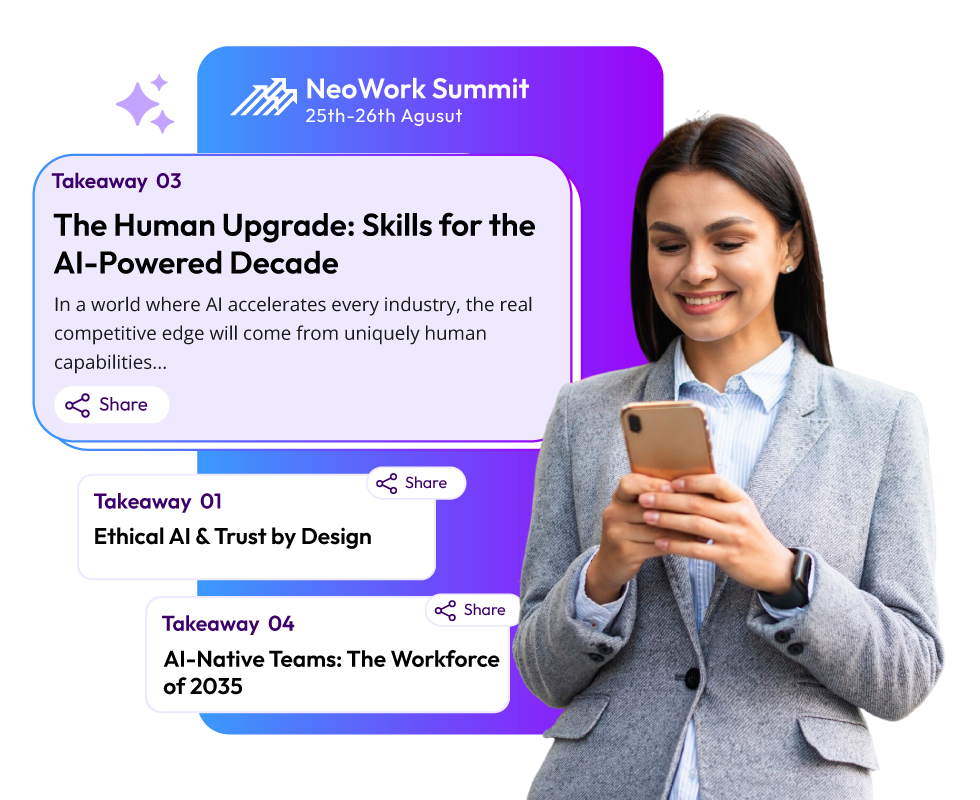
Basically, AI event video highlights are short AI-generated video clips and moments of the event that require little to no manual work. AI tools like Snipin AI automatically do what editors do while spotting, trimming, and capturing event highlights from event recordings. However, these tools do not replace video editors. They make their work much easier and help event planners in many more ways. Keep reading to understand more about AI event video highlights.
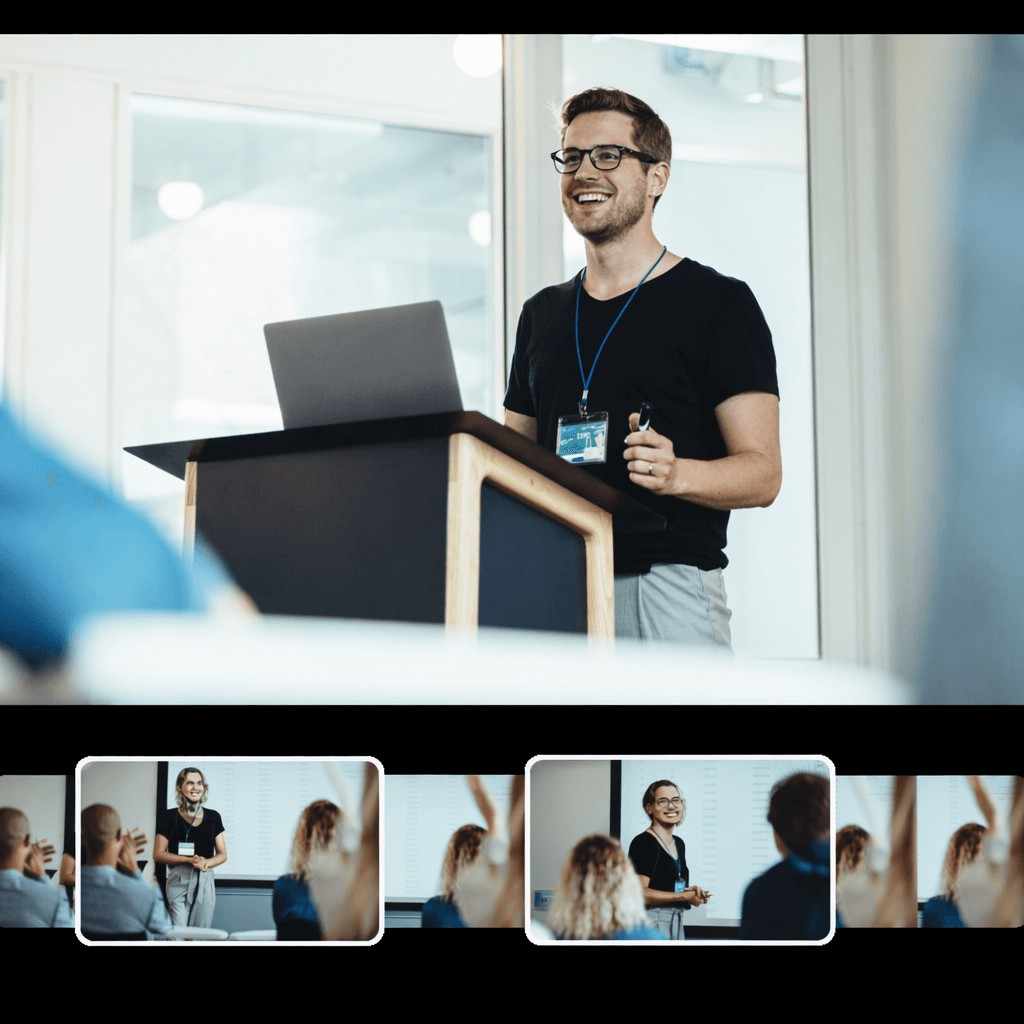
Making a video after an event usually goes like this:
- You chat with video people, photographers, and editors to get what you want.
- You plan a lot before, thinking about what content you need to promote the event.
- You try to get everything done fast.
- You keep changing and editing stuff.
- It costs a lot to make the video.
AI event video highlights skip all those steps and get you enough stuff to market your event in minutes! Here's why they are good:
- You don't need to talk to different vendors.
- It's simple to get and make them.
- They save you a ton of money.
- You barely need to edit.
- The whole clip-making happens by itself; hardly any manual labor is required.
How Does AI Event Video Clipping Work?
When you think about content creation for event marketing, you usually think about creating a script from scratch and then designing content based on that. It works, but not without costing you a lot of time and money! What if you already had a solid content source with you, and all you had to do was give it a quick AI makeover?! No, you don't have to purchase any ready-made content hub or library. You already have it, getting wasted somewhere in your PC's storage: event recordings! AI event video highlights are nothing but short videos and moments extracted from your pre-existing event recordings. Here is how the AI event video clipping process works:
Upload Your Content
Start by loading your full-length recording into the AI platform. This works for any long video you have. It could be conference video highlights, webinars, or similar content.
Let the AI Work
The software begins analyzing your footage. It identifies engaging moments. This process takes a few minutes, depending on your video's length. Much faster than doing it yourself.
Select Your Clips
You'll see a dashboard showing potential segments. Each one gets a suggested title. Preview them quickly. Some will be average, others strong, and a few will be exceptional. Choose the ones you want to use.
Polish for Social
Now you refine each clip for posting. The tool adjusts it to a vertical format for mobile viewing. It keeps speakers centered in frame.
Captions get added automatically. Most viewers watch without sound, so this matters. Review the text for accuracy. AI event video highlights the need for these finishing touches.
Download and Post
Export your selections when ready. That single recording becomes multiple pieces of content.
What are the Benefits of AI Event Video Clipping?
Running an event takes massive effort. You plan for weeks. You coordinate speakers. You manage logistics. Then the event happens, and it's great. But what comes next? You're left with hours of raw footage that nobody will watch in full. AI event video clipping is changing the video marketing game in events. It's quick and smart. It's not just about cutting videos shorter. It's about making your content work harder for you. Here's why AI event video clipping is worth your attention.
1. Speed That Actually Matters
Manual video editing drags on forever. You sit there, scrubbing through footage, trying to find good moments. It's tedious work that eats up days.
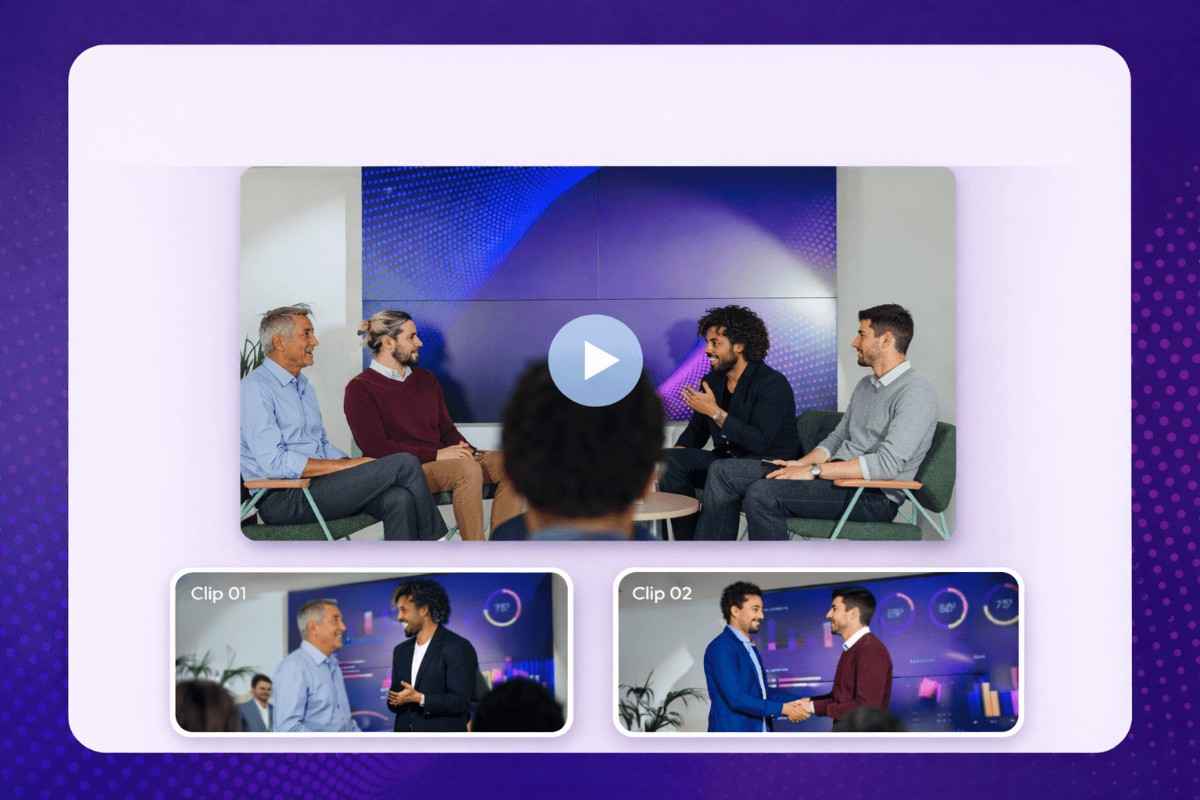
AI event video clipping is the fastest way to clip event videos. Upload your recording and let the software analyze it. In minutes, you get multiple clips ready to review.
2. Your Content Calendar Fills Itself
Every marketing team struggles with content planning. Coming up with fresh ideas daily is exhausting. When you have nothing ready, panic sets in.
One event recording can generate dozens of clips. Each clip covers a different topic or insight. Suddenly, you have two weeks of social posts from one video. Your calendar stays full without the constant stress of creation.
3. Money Stays in Your Pocket
Hiring video editors costs real money. Good ones charge premium rates for their time. When you have multiple event recordings to process, those costs add up fast.
AI tools handle the heavy lifting at a fraction of the cost. Many offer affordable monthly plans. Some even have free tiers for smaller teams. You get professional results without the professional price tag.
4. Social Media Finally Makes Sense
Raw event footage doesn't work on Instagram or TikTok. People scroll past long videos instantly. They want quick, engaging content that gets to the point.
AI event video clipping creates content built for social platforms. Each piece fits naturally into how people consume content today. The fastest way to clip event videos also happens to create the most platform-appropriate content.
5. Speakers Get Their Spotlight
Your event had amazing speakers sharing valuable insights. But when those insights sit buried in a three-hour recording, nobody discovers them.
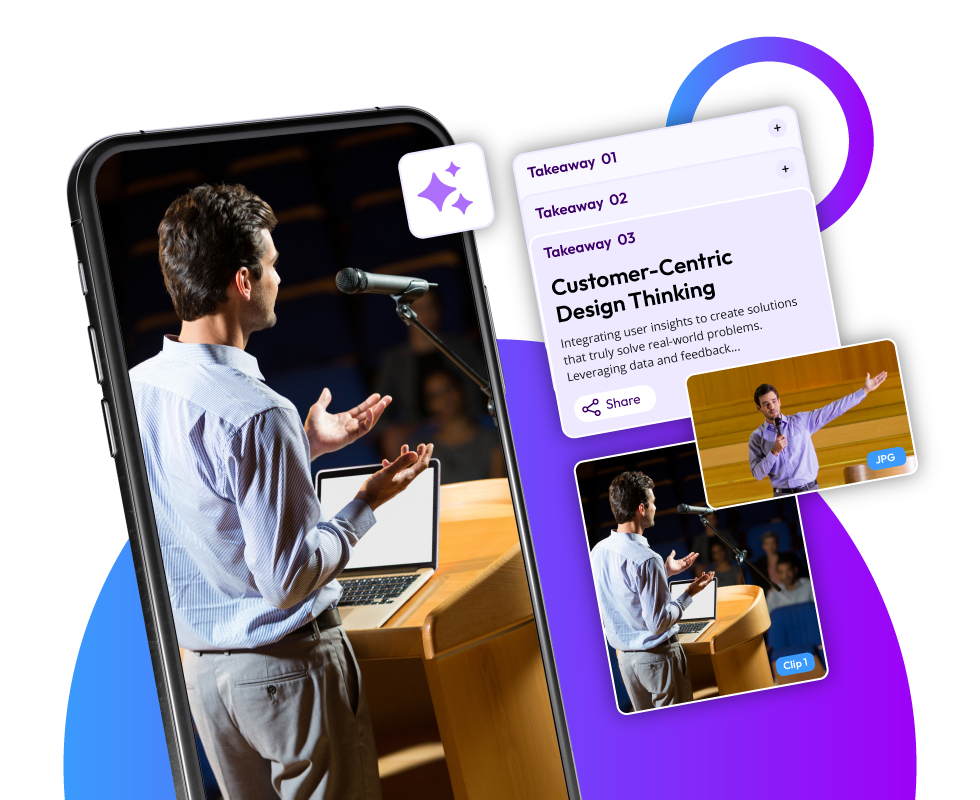
Short clips highlight individual speakers and their best moments. That powerful quote from the keynote becomes its own video. The surprising statistic from the panel gets featured separately. Each speaker's expertise reaches audiences who might never watch the full session. Trade show video clips and conference video highlights give every contributor their moment to shine.
6. Engagement Shoots Up
Long videos get minimal interaction. People might start watching, but they rarely finish. Comments stay sparse. Shares don't happen.
Short clips drive real engagement. Viewers actually watch them completely. They leave comments with questions. They tag colleagues who need to see this.
7. Internal Teams Stay Informed
Events aren't just external marketing opportunities. They're knowledge-sharing sessions for your entire organization. But asking employees to watch hours of recordings? That's unrealistic.
Clips make internal communication practical. Sales teams can quickly review product updates mentioned during the keynote. Customer service can catch important policy changes discussed in breakout sessions. Everyone stays informed without dedicating their entire afternoon to video watching. Webinar video clips using AI make training and updates actually accessible.
8. Every Platform Gets Fed
Your marketing strategy likely spans multiple channels. LinkedIn, Instagram, YouTube, Twitter. Each platform needs content, and each has different requirements.
AI generates clips that work everywhere. Post the same content across platforms without reformatting or re-editing. Your event's value spreads further with less effort on your end.
9. Testing Becomes Possible
When creating content manually takes forever, you post once and hope it works. There's no time for experimentation or optimization.
With AI event video clipping being the fastest way to clip event videos, you can test different approaches. Try various hooks. Test different clip lengths. See which topics resonate most. You learn what your audience actually wants because you have enough content volume to gather real data.
10. The Work Scales Effortlessly
One-day events are manageable. But multi-day conferences with parallel sessions? That's dozens of hours of footage. Manual processing becomes impossible without a huge team.
AI handles any volume without breaking a sweat. Feed it five recordings or fifty. The processing time stays reasonable.
11. Quality Stays Consistent
Human editors have good days and bad days. Fatigue affects their work. Different editors have different styles. Your content quality varies based on who's working that day.
AI maintains the same standard every time. Captions follow the same format. Cropping stays consistent. Branding elements appear correctly. Your audience sees professional content regardless of which clip they watch first.
12. Teams Focus on Strategy
When your team spends days editing videos, they can't do strategic work. They're stuck in execution mode, handling technical tasks instead of planning campaigns.
AI event video clipping frees up mental bandwidth. Your team stops being video technicians and returns to being marketers. They can focus on messaging, audience targeting, and creative strategy while the AI handles production.
The bottom line is simple. AI event video clipping transforms how you extract value from events. It's faster, cheaper, and more effective than traditional methods. Your content reaches more people in formats they actually want to consume.
The Bottom Line:
The conventional post-event content creation approach requires you to coordinate with your videographers and photographers for all the event highlights. Once you get those, your editor creates promos and other stuff from them. But all this coordination and hard work is a lot to handle! This is where AI event video clipping comes in. The tool automatically spots the best moments from your events and gives you ready-to-share clips and moments. This quick process saves you a ton of money and burnout! It is the fastest way to clip event videos. What usually takes days and weeks can be done in a few minutes!
FAQs
1. What are AI event video highlights?
These are short clips and moments that AI tools like Snipin AI automatically pull from long event recordings.
2. Why can't a video trimmer perform the same task?
A video trimmer requires direction and control. AI doesn't. Video trimming is just one function. AI event video clipping is an entire process that requires very little human involvement.
3. How is an AI tool like Snipin AI the fastest way to clip event videos?
Manual repurposing of long event recordings takes days or even weeks. Snipin AI does the same task within minutes. It gives event marketers multiple content assets from a single recording on the same day!
4. Are these AI event video highlights shareable?
Yes! Absolutely! They can be shared at a single click across various platforms like WhatsApp, LinkedIn, Instagram, Twitter, etc
 Raghav • November 11, 2025 • 8 Min. Read