 Raghav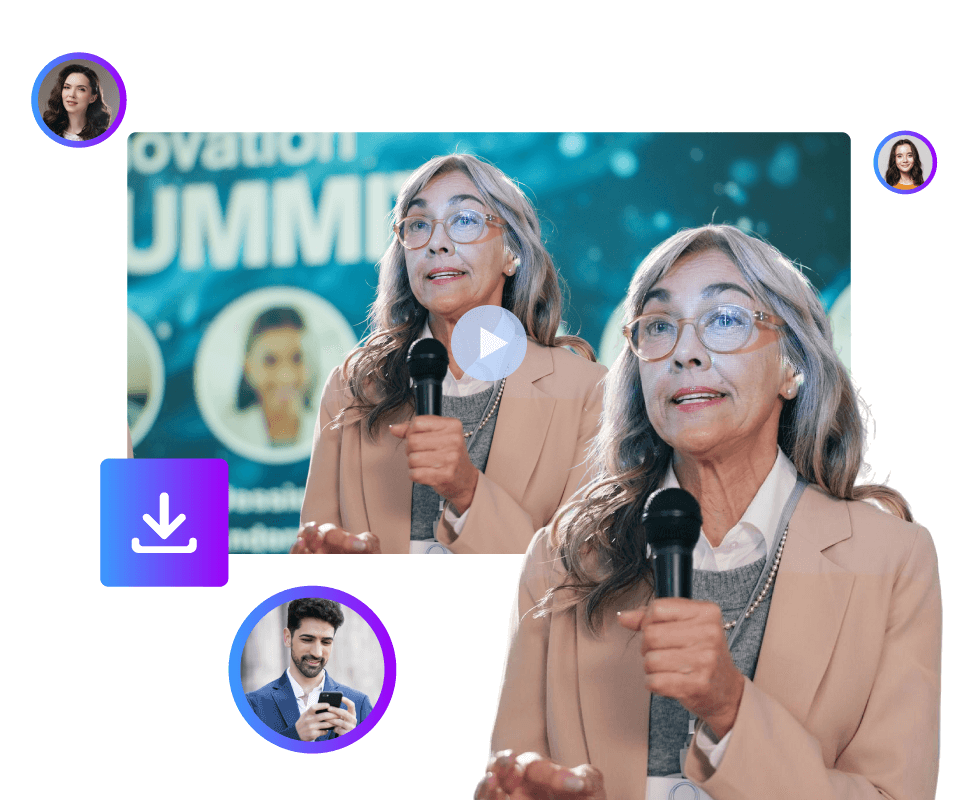
Trade shows are busy. They are exciting. They are packed with conversations, demos, and valuable insights. But once the event ends, something strange happens. Most trade show recordings just sit on a hard drive. They never get reused. They never reach a wider audience. This is where the AI summarization tool changes everything.
Today, you can turn a full trade show recording into highlights in just a few steps. You can create short clips. You can generate clean summaries. And you can do it without spending weeks on manual editing. In this article, we will walk through how AI helps you transform long trade show videos into meaningful content. We will also explore how you can summarize trade show recordings and create engaging clips.
Why Trade Show Recordings Matter More Than Ever
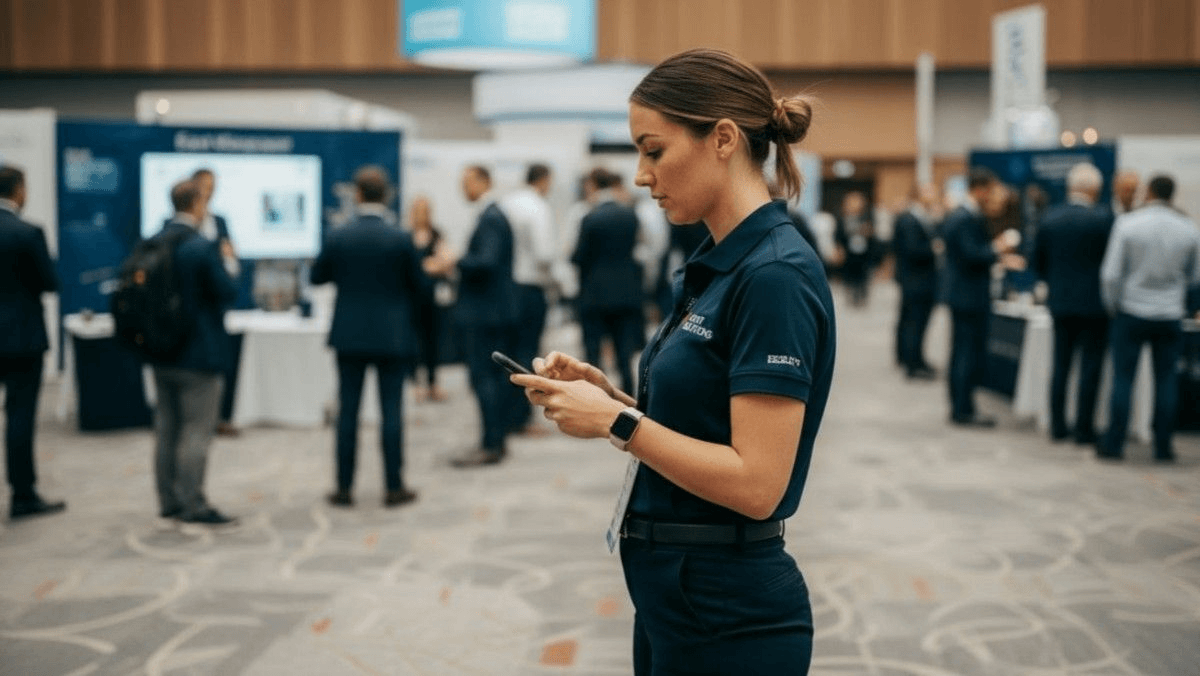
Trade shows are expensive. They take months of planning. They involve teams, booths, speakers, and sponsors. So when you record a trade show, you are capturing more than video. You are capturing knowledge. These recordings include:
- Product demos.
- Expert panels.
- Customer questions.
- Industry insights.
Yet most companies only use the recording once. Some don’t use it at all. This is a missed opportunity. When you turn a trade show recording into highlights, you extend the life of the event. You allow the content to work for you long after the booth is packed up.
The Old Way of Creating Highlights (And Why It Fails)
Before AI, creating highlights was painful. Someone had to:
- Watch hours of footage.
- Take notes manually.
- Mark timestamps.
- Cut clips one by one.
- Write summaries from scratch.
This process took days. Sometimes weeks. Because of this effort, many teams gave up. Others created just one or two clips and moved on. The result was limited content and limited impact. AI removes this barrier completely.
How AI Changes Trade Show Video Content
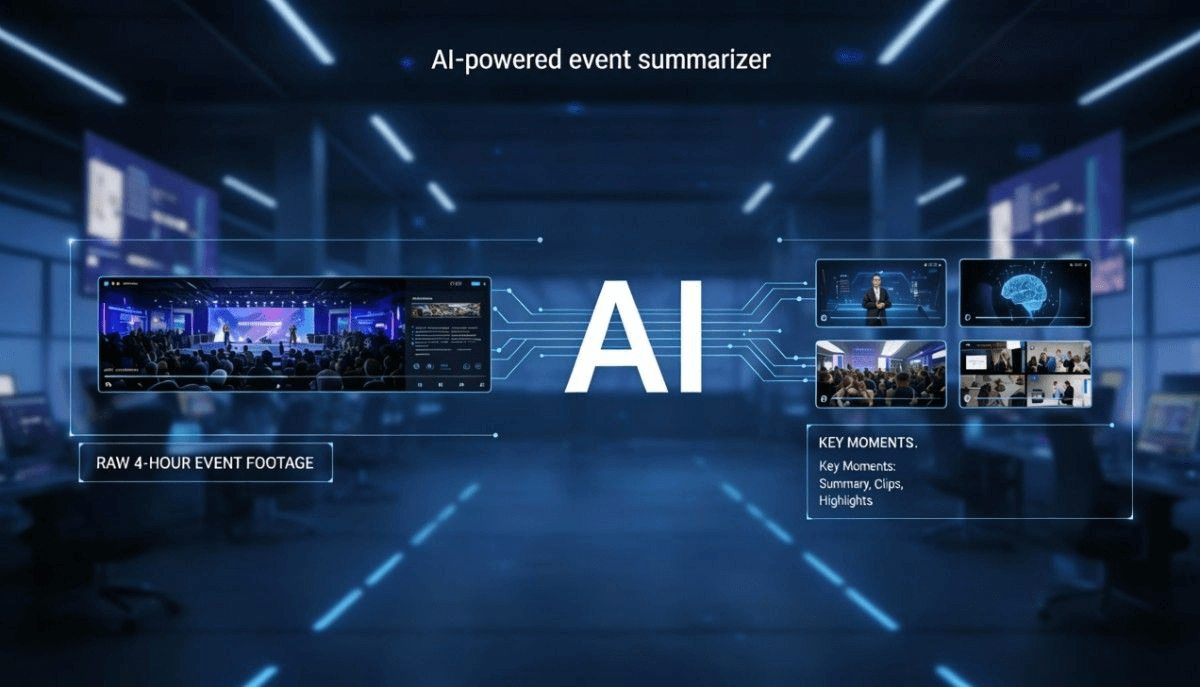
AI video summarization tools analyze videos. It listens to the audio and understands speech. It detects topics, keywords, and moments of importance. This allows AI to:
- Identify key discussions.
- Spot key moments.
- Detect product mentions.
- Understand audience reactions.
With this intelligence, AI eliminates human effort. The tools automatically turn trade show recordings into key takeaways and clips.
Step 1: Upload Your Trade Show Recording
The process starts with a simple upload. You can upload:
- Full-day recordings.
- Individual session videos.
- Panel discussions.
- Booth demos.
An AI video summarizer does not care how long the video is. It works the same way for a 30-minute session or a full-day trade event. Once uploaded, the AI tool begins processing.
Step 2: AI Summarization Tool Transcribes the Entire Video
The first thing AI does is transcription. It converts spoken words into text. This text becomes the foundation for everything else. Accurate text allows the AI to grasp the deeper meaning. It doesn't just hear sounds. It understands the specific context of the conversation. The AI can then spot exactly when a new topic begins. It also recognizes when a different person starts speaking.
This phase is vital for summarizing trade show recordings. Without a transcript, a summary stays on the surface. It misses the small but important details. With a transcript, the AI captures the real substance. The final summary becomes clear, accurate, and useful.
Step 3: AI Identifies Key Moments Automatically
Now the magic begins. AI scans the transcript and video together. It looks for signals such as:
- Repeated keywords.
- Strong statements.
- Questions from the audience.
- Product feature explanations.
These signals help AI decide what matters. Instead of watching the entire recording, AI picks out the most valuable parts. These moments become your trade event video clippings.
Step 4: Turning Long Videos Into Short Highlights
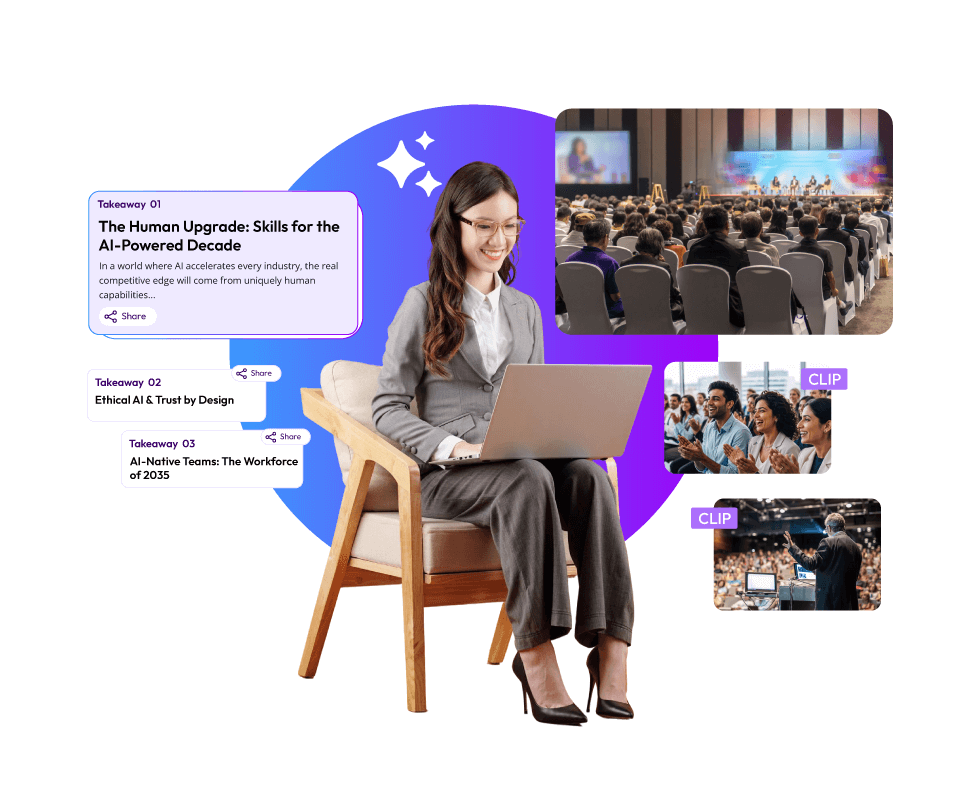
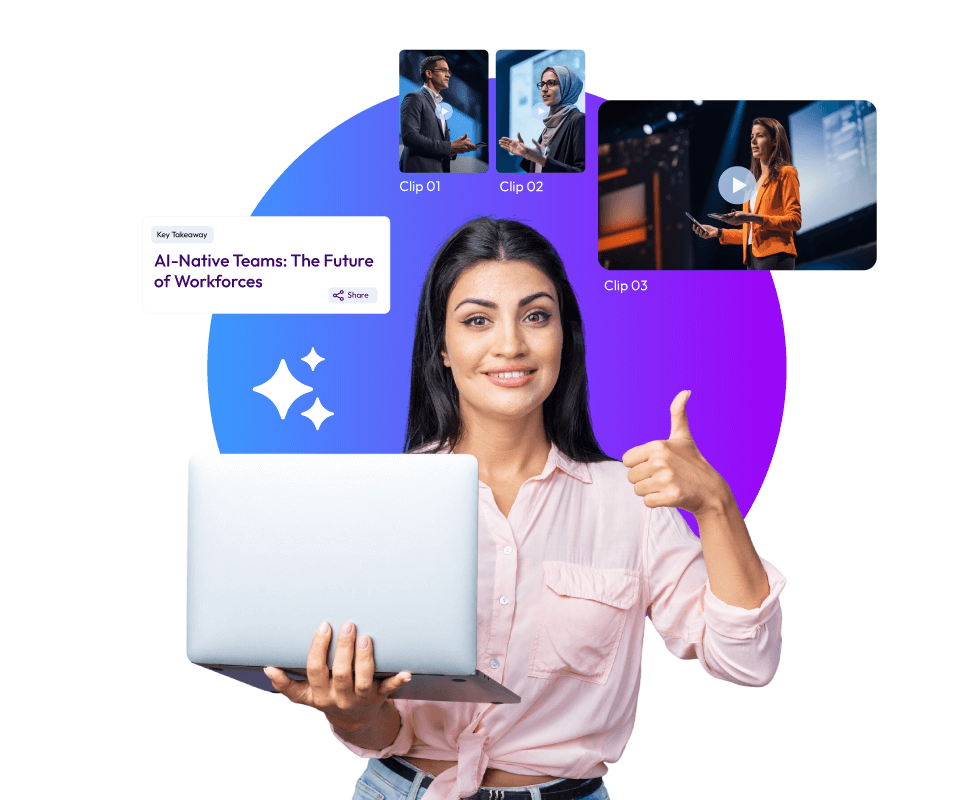
The AI takes those identified moments and creates clips. It produces short videos lasting 30, 60, or 90 seconds. These lengths are perfect for modern attention spans. They keep the audience engaged without losing interest.
You can use these short videos in many ways. They make excellent social media posts for your trade show brand. They work perfectly as fresh content for your company website. The event highlights are also good to be used in email marketing.
Instead of one long video, you now have a library of content. This variety allows you to reach people across different platforms easily. This is the most effective way to turn a massive recording into valuable assets. You transform hours of footage into a series of powerful highlights.
Step 5: AI-Generated Summaries for Each Session
Clips are powerful. But summaries add context. AI can summarize trade show recordings in seconds. Each summary captures:
- Main discussion points.
- Key takeaways.
- Important product mentions.
This makes the content useful for people who prefer reading over watching. Summaries are perfect for:
- Blog posts.
- LinkedIn updates.
- Sales enablement material.
- Internal documentation.
Together, clips and summaries create a complete content package.
Why Short Clips Work Better Than Full Recordings
Most people never watch a full trade show video from start to finish. These recordings are often hours long and feel overwhelming. They require a massive time commitment. Most professionals simply don't have this much time. They also demand a high level of focused attention for long periods.
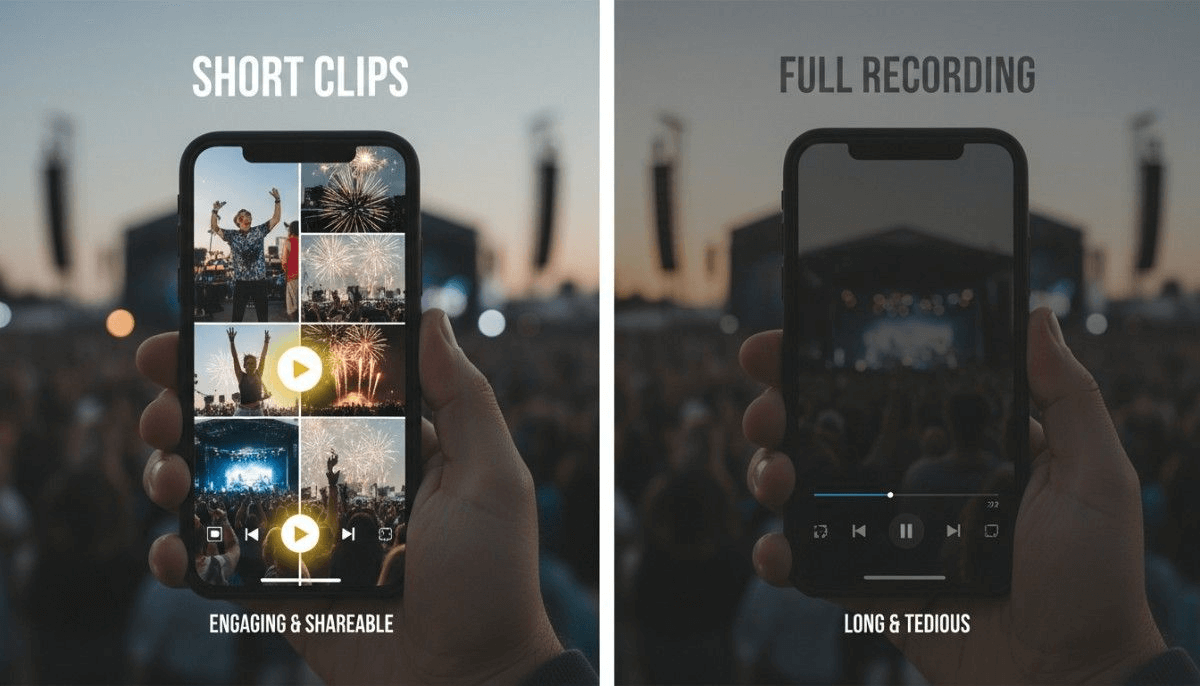
Short clips solve this problem by getting straight to the point. They grab the viewer's attention within the first few seconds. They highlight the most valuable information instantly without any filler. This makes the content much easier for your audience to consume and digest.
The bite-sized videos are also easy to share. An attendee can send a quick clip over a messaging app or via email. This is why B2B trade show video highlights perform so much better on digital platforms. They meet the audience exactly where they are. You provide value in a format that fits naturally into their busy workday.
Using AI Highlights for Social Media
Social media loves short videos. AI-generated trade show social media video clips fit perfectly. You can post them on:
- LinkedIn.
- Twitter.
- Instagram.
- YouTube Shorts.
Each clip can focus on one idea. One feature. One insight. This approach keeps your brand visible long after the event ends.
AI Helps You Stay Consistent With Content
Consistency is hard. After a trade show, teams are busy. Follow-ups take priority. Content creation gets delayed. AI removes this problem. Once your recording is processed, you can schedule:
- Daily clip posts.
- Weekly summary updates.
- Monthly recap videos.
This steady flow of content keeps your trade show investment alive.
Turning Highlights Into Sales Enablement Assets
Trade show recordings are not just marketing material. They are sales tools. AI-created clips can show:
- Product benefits.
- Customer questions.
- Real-world use cases.
Sales teams can share these clips. They can send summaries to prospects. This shortens the sales cycle and builds trust.
AI Event Summarization Makes Content Searchable
Another advantage of AI summaries is searchability. Text summaries can be indexed. Clips can be tagged. This means your team can:
- Search by topic.
- Find specific answers.
- Reuse content easily.
Instead of digging through hours of footage, everything becomes accessible.
Saving Time and Reducing Costs With an AI Video Summarizer
Manual video editing is expensive. Skilled editors are often required. Revisions are multiple. The turnaround times can be long.
An AI-powered event summarization tool reduces these costs dramatically. You can:
- Process videos faster.
- Create more content.
- Reduce dependency on large teams.
That's why an AI video summarizer is ideal for companies of all sizes.
AI Video Summarizer Helps Capture Missed Attendees
Not everyone can attend a trade show. Schedules clash. Budgets limit travel. AI-generated highlights help reach those people. They can:
- Watch key moments.
- Read session summaries.
- Stay informed.
This increases the reach of your event beyond physical attendees.
Using AI to Repurpose Content Across Channels
One trade show recording can become many assets. With AI, you can create:
- Short video clips.
- Long-form summaries.
- Social media posts.
- Email snippets.
This approach maximizes ROI. You are no longer creating content once. You are repurposing it smartly.
Maintaining Brand Messaging With AI Highlights
AI tools can be trained to focus on your messaging. This ensures:
- Consistent tone.
- Clear positioning.
- Brand-aligned highlights.
This is especially useful for B2B trade show video highlights where messaging matters.
Common Mistakes to Avoid When Using AI
AI is a powerful tool for video editing. However, it still needs human guidance. That's how it produces better results. Keep in mind the common mistakes to avoid.
You should avoid uploading recordings with low-quality audio. The AI might struggle to hear clearly with background noise. This results in errors in the initial transcription process.
You should never ignore the final review steps. The AI video clipping tool creates fast. So, it could miss a specific nuance. A quick review keeps things accurate and professional. This guarantees that the clip aligns with your brand's voice.
Another common mistake is overusing clips without any context. Don't post videos without a clear explanation. Each highlight needs a short caption to tell the viewer why it matters.
Take a moment to review. A quick review ensures accuracy and relevance. A simple step turns a good video into a great asset.
Final Thoughts
Trade shows generate valuable content. But value only matters if it is shared. AI helps you unlock that value. By using AI, you can:
- Turn trade show recording into highlights.
- Summarize trade show recordings effortlessly.
- Create trade show social media video clips.
- Produce effective trade event video clippings.
- Deliver impactful B2B trade show video highlights.
Instead of letting recordings collect dust, you transform them into assets that drive engagement, leads, and brand awareness. And the best part? You do it faster, smarter, and at scale.
 Mohi • January 23, 2026 • 7:19