 Mohi
Mohi
Imagine these two scenarios: A. You have just wrapped up a big event, but your next humongous task won't let you rest. You have to make your long event recordings shareable and social-media ready! Your socials need to go out in two days, and there are tons of recordings to process! B. You finish your event, and you and your editing team go back home and relax. The deadline remains the same, but you have an excellent tool to work with. This tool does the marketing team's job in just a few minutes, and all you have to do is review the output and hit 'send' or 'post.'If you like the second scenario better, you are at the right place. This blog will tell you about the top AI video repurposing tools. These tools can make that dream-like-scenario come true and save you a lot of time, money, and energy!
What are AI Video Repurposing Tools?
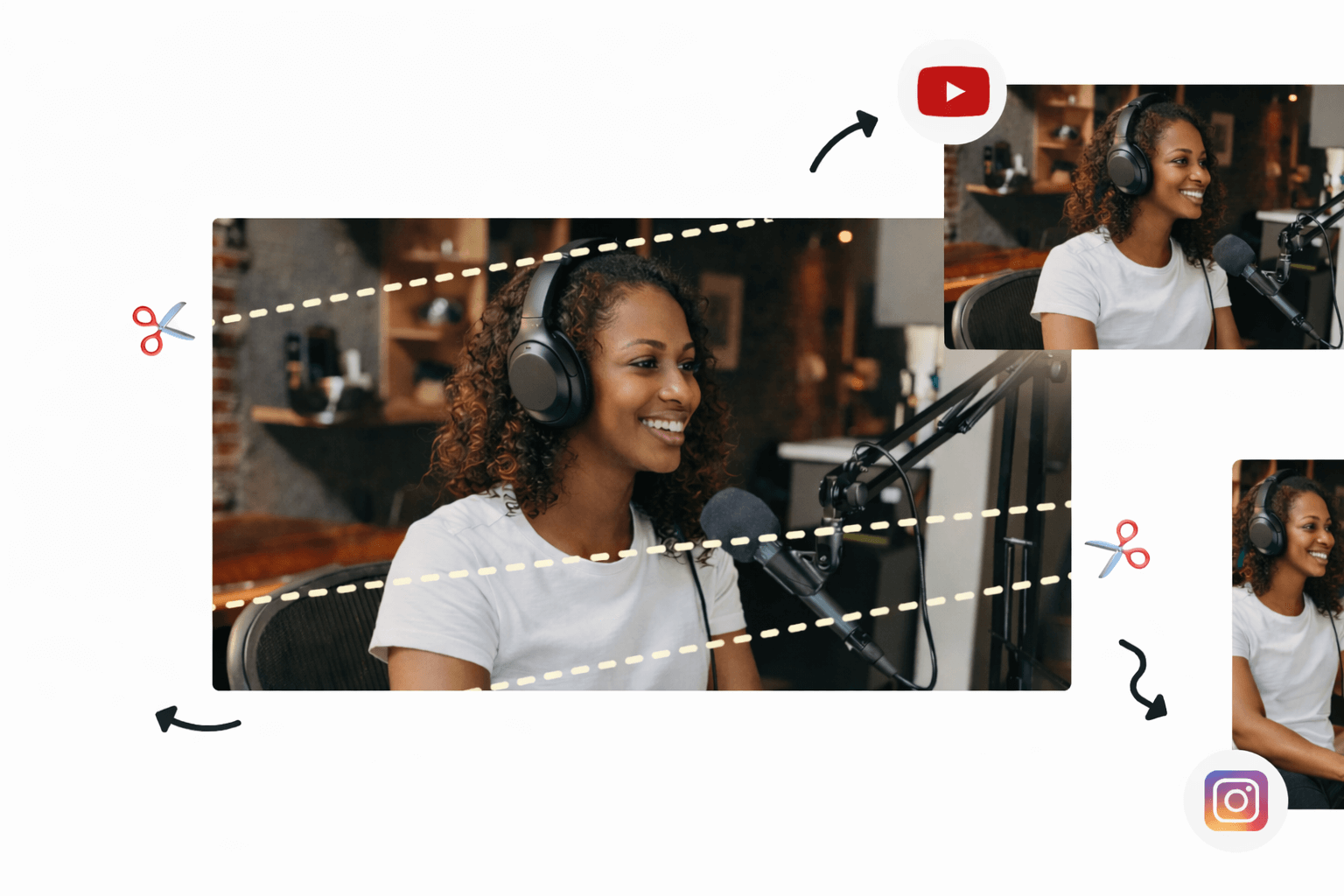
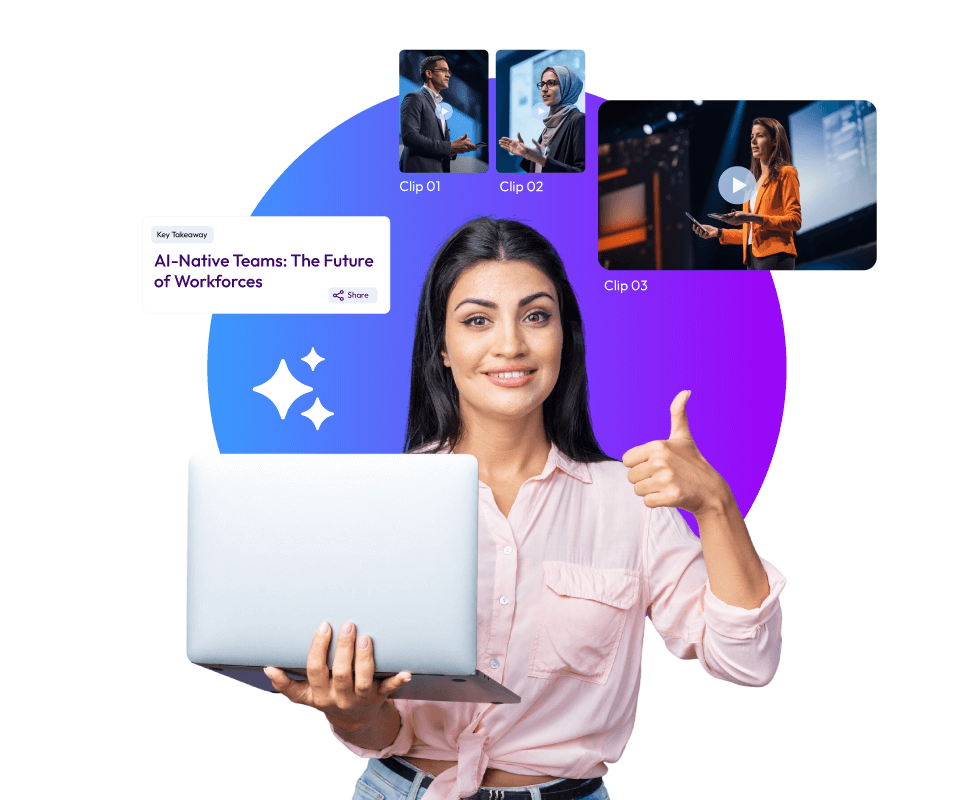
With AI video repurposing tools, you can chop up long videos into shorter, shareable clips in minutes. These tools are pretty smart and can pick out the good parts on their own. Today's video clipping tools are not the usual trimming tools you know about. These new AI-powered tools are different. They treat your event recordings like a content goldmine. From one event recording, they can give you multiple content assets for marketing, training, and internal communications. Some of these AI video repurposing tools can also add captions and change the size of videos.
The Top 11 AI Video Clipping Tools You Can Choose From
One could think that all that these AI video clipping tools do is turn long videos into short clips. But, event video content is not just about making long videos short. Go through these best-in-the-business AI video repurposing tools, and you’ll know what all they are capable of:
1. Snipin AI
Summary:
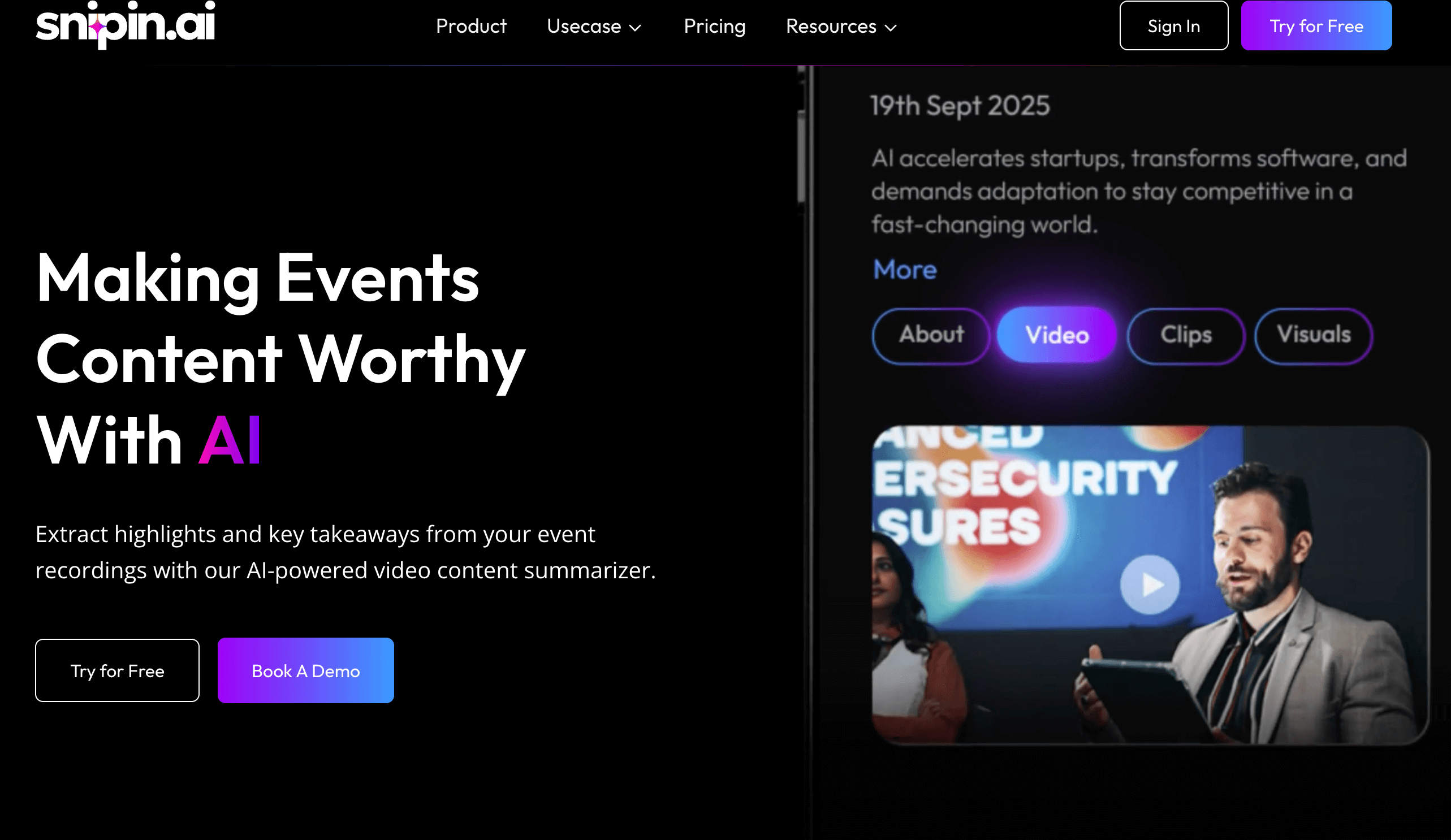
Snipin AI is a premium AI video clipping tool. It works for multiple event types: webinars, expos, conferences, townhalls, trade shows, and podcasts. It works in the most user-friendly manner and extracts pre-sized, pre-formatted, and ready-to-share short clips from long event recordings. These clips are not randomly trimmed. They are pulled from long recordings after the AI closely reviews speakers’ expressions, audience reactions, and more.
Strengths:
- Snipin AI is highly user-friendly; minimal manual effort is required
- Works equally well for all event types
- Gives users a clean and organized content hub where all the AI-generated content is stored
- Lets users know the likes, shares, and downloads each clip gets
- Allows users to approve, disapprove, and regenerate the clips if they are not satisfied
- Snipin AI clips are the one-click-share types. Again, no heavy effort is required
- Gives event organizers a customizable microsite
- Provides a free plan where users can process up to 120 minutes of event recordings to see what works for them!
Limitations:
- Depends on the internet for proper functioning
- For event planners hosting events regularly, the subscription plan is paid, and prices vary according to their needs.
2. OpusClip
Summary:
OpusClip is one of the leading AI video clipping tools built for creators who need to turn long videos into short clips quickly. It uses an AI model that identifies engaging moments with high accuracy. The platform automatically generates captions, provides virality scores to predict social media performance, and reframes horizontal videos for vertical platforms.
Strengths:
- Achieves 95% accuracy in highlight detection across all video types
- Automatically generates captions with 97% accuracy in multiple languages
- Provides AI virality scores to help predict which clips will perform best
Limitations:
- Multi-language support is weaker compared to specialized platforms
- No direct publishing integrations to social media platforms
- Brand customization features are limited on lower-tier plans
- The free plan is restricted to 60 minutes of processing monthly
3. Vizard.ai
Summary:
Vizard.ai is a complete platform designed for event video content repurposing at scale. The AI identifies 8-12 clip-worthy moments from 60-minute recordings and creates complete stories with natural beginnings and endings. Vizard stands out with superior multi-language captioning in Spanish, French, German, Portuguese, and Mandarin.
Strengths:
- Superior multi-language captioning with customizable styling across five languages
- One-click publishing directly to TikTok, YouTube, Instagram, and LinkedIn
- AI creates complete story clips rather than random cuts
Limitations:
- Free plan limited to 60 minutes of upload time monthly
- Advanced branding requires higher-tier paid plans
- AI occasionally misses contextual nuances that human editors would catch
4. CapCut
Summary:
CapCut is ByteDance's free AI video clipping tool that offers impressive features at zero cost. It provides AI-powered auto-captions, script generation, and AutoCut features that turn long videos into short clips. The platform includes smart cutout functions that automatically detect subjects and AI-driven filters that adapt based on mood and lighting.
Strengths:
- Completely free with powerful AI features at no cost
- Auto-captions and background removal save significant editing time
Limitations:
- Free version exports videos with watermarks on some templates
- Limited to 1080p resolution on the free plan with no 4K support
5. Descript
Summary:
Descript excels as a podcaster's tool with its unique text-based video editing approach. It transforms how creators edit by allowing them to edit videos simply by editing the transcript text. Descript integrates pre-production, recording, and long-form editing capabilities in one place. The video highlight generator works by identifying key moments through the transcript.
Strengths:
- Industry-leading transcription accuracy makes text-based editing highly reliable.
- Studio Sound feature dramatically improves poor audio quality with one click.
- Overdub voice cloning allows quick corrections without re-recording
Limitations:
- Not optimized for fast social media repurposing workflows compared to dedicated clip tools
- Recent pricing changes introduced media-minute limits and AI credit systems that can be confusing
6. Runway ML
Summary:
The platform operates on a credit-based system where users spend credits on AI-powered video generation, editing, and effects. The platform offers text-to-video generation, advanced camera controls, and motion tracking. It integrates with creative software like Adobe products. Runway requires a stable internet connection as all processing happens in the cloud.
Strengths:
- Gen-4 model delivers exceptional character consistency across multiple scenes.
- Supports 4K exports and advanced video effects with precise control
Limitations:
- The complex credit system makes actual costs difficult to predict for users
- Monthly credits expire without rolling over to the next billing period
- Not designed for standard video repurposing workflows or clip creation
7. InVideo AI
Summary:
InVideo AI transforms text prompts, scripts, and blog posts into complete videos with automatically selected visuals, voiceovers, and music. The AI Script Generator helps create video scripts automatically. The platform focuses more on creating new videos from scratch than repurposing existing long-form content into clips.
Strengths:
- Extensive template library with thousands of customizable options for different industries
- AI-powered script generation speeds upthe video creation process significantly.
- Access to millions of premium stock media files included in the subscription
Limitations:
- More focused on creating new videos than extracting clips from existing footage
- AI-generated videos sometimes require significant manual adjustments for quality
8. Pictory
Summary:
Pictory transforms scripts, blog posts, and articles into video content automatically. The platform specializes in converting written content into videos by analyzing text and matching it with relevant visuals from its media library. Users can edit videos using text commands, making it accessible for non-editors. The platform is best for content marketers looking to repurpose written content rather than clipping existing videos.
Strengths:
- Converts written content into videos automatically, saving content creation time
- Access to 10 million+ premium stock assets from major providers
Limitations:
- Not designed for repurposing existing video content into shorter clips
- AI sometimes misses context when converting articles to video format
9. VEED
Summary:
VEED offers browser-based video editing with AI-powered tools accessible from any device. The platform runs entirely in web browsers, requiring no software installation. It provides automatic subtitle generation in 100+ languages, AI eye contact correction, and voice cloning. The tool focuses more on general video editing than specifically repurposing long content into short clips.
Strengths:
- A browser-based platform requires no software downloads or installations
- Auto-subtitle generation supports 100+ languages with decent accuracy
Limitations:
- Performance issues were reported with larger files, including buffering and lag
- Not optimized for automated video repurposing workflows like dedicated AI video clipping tools
10. SpikesStudio
Summary:
SpikesStudio is an AI video clipping platform designed specifically for gaming content and streamers. The platform automatically processes streams and generates highlight clips with AI trained on gaming broadcasts. The tool includes auto-captioning, animated captions, AI B-roll, and social media scheduling features. It's built for content creators who need to turn long videos into short clips optimized for platforms like TikTok, Instagram Reels, and YouTube Shorts.
Strengths:
- Gaming-specific AI trained on broadcast patterns for accurate highlight detection.
- Automatic Twitch integration processes streams immediately afterthe broadcast ends.
Limitations:
- Gaming focus makes it less suitable for general business or marketing content.
- The free plan provides only 30 minutes of processing yearly with watermarks.
- Advanced features like 1080p exports and unlimited clips require a paid subscription.
- Web-based editor limited to a 5-minute video length maximum
11. Wisecut
Summary:
Wisecut uses AI and voice recognition to automatically edit videos with minimal user input. The platform analyzes dialogue to make editing decisions and creates a transcribed storyboard that lets users edit videos by editing text. Wisecut generates auto-captions in 13 languages and includes audio ducking to balance music with speech. The tool is especially effective for talking-head videos like tutorials, podcasts, and interviews, where automatic silence removal saves significant time.
Strengths:
- Highly automated workflow requires minimal user decisions and technical skills
- Smart background music automatically syncs and adjusts volume with audio ducking
Limitations:
- Limited control over output compared to manual editing tools
- Missing advanced features like text overlays and title screens
- Upload and download times can be slow, especially for longer videos
How to Know If You Need These AI Video Clipping Tools?
To know whether you need these AI video clipping tools or not, just look at this list and see for yourself if your work involves doing anything similar:
- Event Planner Looking to Build Your Events’ Social Profile: If your goal is to have more people see what you do and how your events look, you probably need a consistent content stream to post on social media. Simple graphics, carousels, and the same videos on loop may not help you much. Instead, you could use AI video repurposing tools to extract great content from your event recordings!
- A Speaker Who Also Creates Content: If you are someone who is often called to events as a guest speaker or a panelist, AI video clipping tools are just as great for you. You can use these to extract short clips featuring yourself and post them on your social media. Whether you speak in a webinar or at a conference, video clipping tools make you look good in both! You can just focus on your content, and these AI video repurposing tools will take care of the content creation bit.
- Marketing Agencies and Teams: Marketers know the true meaning of deadlines and also the rush that happens behind the scenes when content has to keep going out for an event’s high visibility. Instead of creating every reel and every session description from scratch, what if one event session recording could give you 10 reels, 20 attractive snapshots, and an accurate session summary? It’s possible with AI video repurposing tools.
- Podcaster: Nowadays, podcasters are using podcast glimpses for virality, which ultimately leads people to watch the entire podcast. These glimpses are nothing but short clips showing the interviewer asking a loaded question or the interviewee giving a bang-on quote! To save yourself from wasting time scrubbing your 60-90 minute podcast for the best moments, why not leave it to AI video repurposing tools?
Wrapping Up:
AI video repurposing tools make long event recordings shareable. They prevent these huge content assets from rotting in a PC’s storage. They identify the best moments from these recordings and convert them into reel-like clips. The highlight is that these video clipping tools do all this in minutes! This way, teams save time and huge costs, too. This blog talks about some of the best players in the industry. Choosing the best one depends on your specific needs.
FAQs
How are these AI tools different from regular video editors?
A regular video editor requires proper manual work. AI video clipping tools are automated. Also, a regular video editor is only mechanical. It doesn’t understand nuance like these AI tools do. They closely analyse every recording and pull the best parts based on actions, reactions, and expressions of the people in it.
Are they free to use?
Some AI video repurposing tools like Snipin AI offer free plans in addition to paid plans. Others offer paid plans only.
How is Snipin AI better than Vizard.ai?
In its free plan, Snipin AI gives users 120 minutes of event recording time to process. Vizard.ai just gives 60 minutes, 50% less.
Which tool is most recommended for event planners looking to do a test run?
The best tool that offers a great free plan is Snipin AI. In its free plan also, Snipin AI gives upto 120 minutes of event recordings for the trial. Besides this, it’s super easy to use and navigate. Its ease of use and excellent results are great for a successful test run!
 Raghav • January 15, 2026 • 7:11