 Mohi
Mohi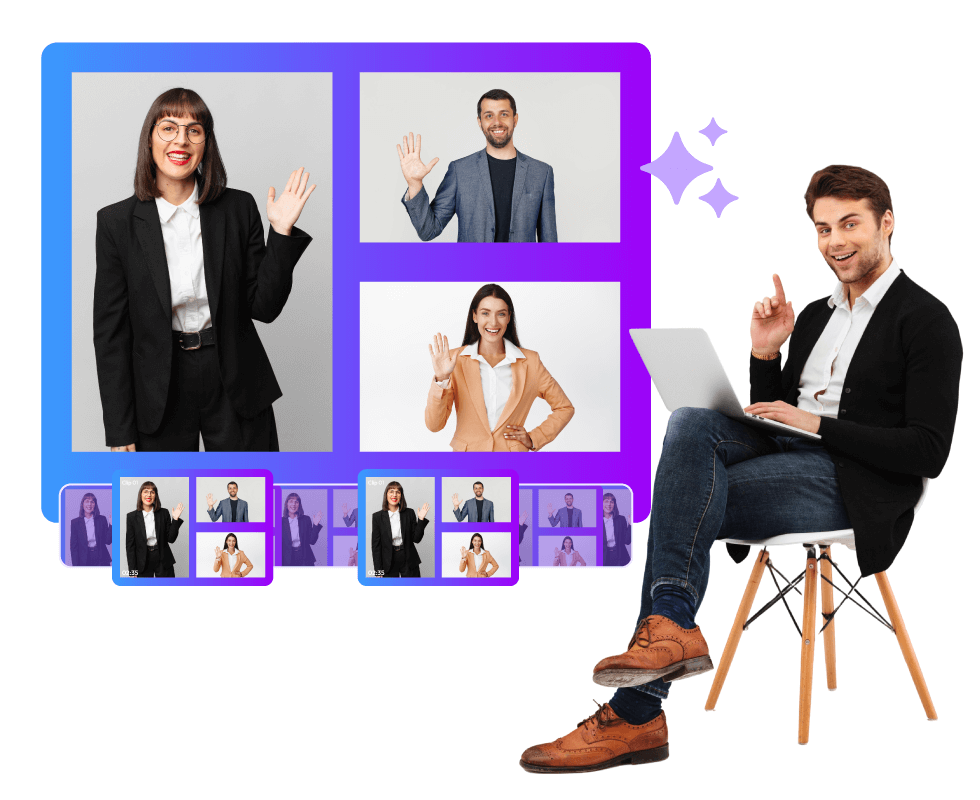
Webinars are one of the most popular types of virtual events. They usually focus on one key subject or topic and aim to inform or educate the audience on the same. The audience can be industry-specific or general. But here, the point of emphasis is that webinars are built around rich content. They are packed with insights, new ideas, expert opinions, data, and a lot more. So, the wise thing to do with these webinars is to repurpose their recordings and let their content get a wider reach. In this blog, let's discuss how an AI video summarizer for virtual events can help you do this. We know how tiring manual editing can be. So, if you want to know more about this great AI alternative to it, keep reading!
What is an AI Video Summarizer for Virtual Events?
An AI video summarizer for virtual events can be a real time-saver. The usual way of editing can be tough. Here's why:
- You have to sit through the whole thing to find the best parts.
- Hard to post on time? Editing takes forever.
- Paying freelance editors? It gets pricey because they bill hourly.
- And after the edit, you still have to resize clips and add text.
It’s tiring! But an AI webinar video summarizer can do this for you and cut your work in half.
The AI watches your recordings and picks the highlights. Then, you check its output and pick what you need. Simple. No more endless watching. Things speed up. You spend less. And you post more often.
Basically, an AI webinar video summarizer is like a tireless assistant. Event planners can turn long webinar recordings into highlights in minutes. Less work, better results.
Sure, a fancy video editor can do some of this. But an AI tool like Snipin AI does more than cut videos. Let's see how in the next section.
How does an AI Video Summarizer for Virtual Events Work?
Your webinar took weeks to plan. You got experts on the call. People asked smart questions. All that effort shouldn't go to waste because the outdated method of webinar content repurposing overwhelmed you. When you turn webinar long recording to highlights, you get more value from the same work. But, how to not feel overwhelmed? Use an AI video summarizer for virtual events. It’s simple to use and gives you the results you want in minutes. This is how:
1. Upload Your Webinar Recording
First, upload your webinar recording to Snipin AI. It can be anything, like a product demo, a panel discussion with experts, or a training session.
2. Let the AI Find Your Best Moments
Next, the AI finds the best parts. This is where the AI video summarizer for virtual events makes the time-consuming part of the thing easier. It checks your webinar for engaging stuff, like expert advice, questions people asked, product demos, etc.
3. Review What the AI Found
The AI automatically takes out the best parts of the webinar. Then, you look at what Snipin AI found and made. You'll see short clips, key takeaways, and moments. All this is organized for you in one place. Keep what works. Skip what doesn't. The AI does the hard work, and you make the final call.
4. Share Your Highlights
Once you're happy with your clips, share them anywhere. Post snippets on LinkedIn, add takeaways and summaries to your website blogs, or use them for internal training. Webinar content repurposing becomes super easy when everything's already clipped and ready.
5. Track How Your Clips Perform
Then you watch how your clips do. Snipin AI shows you how your webinar clips do on social media. You can see views, how people react, and share all in one spot.
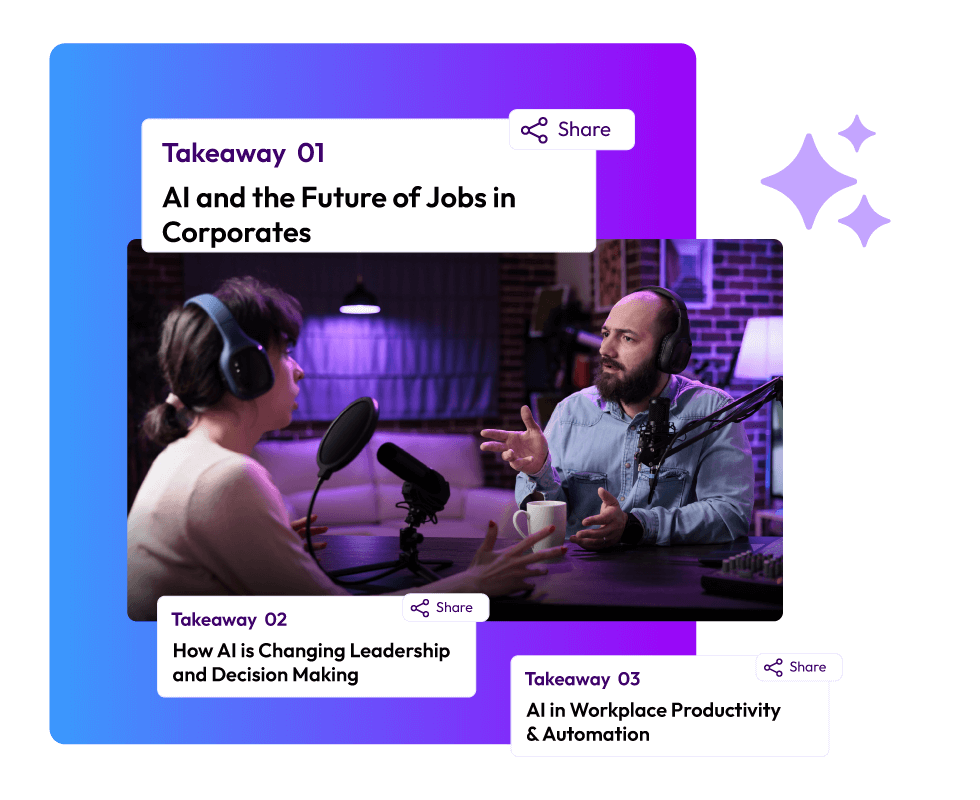
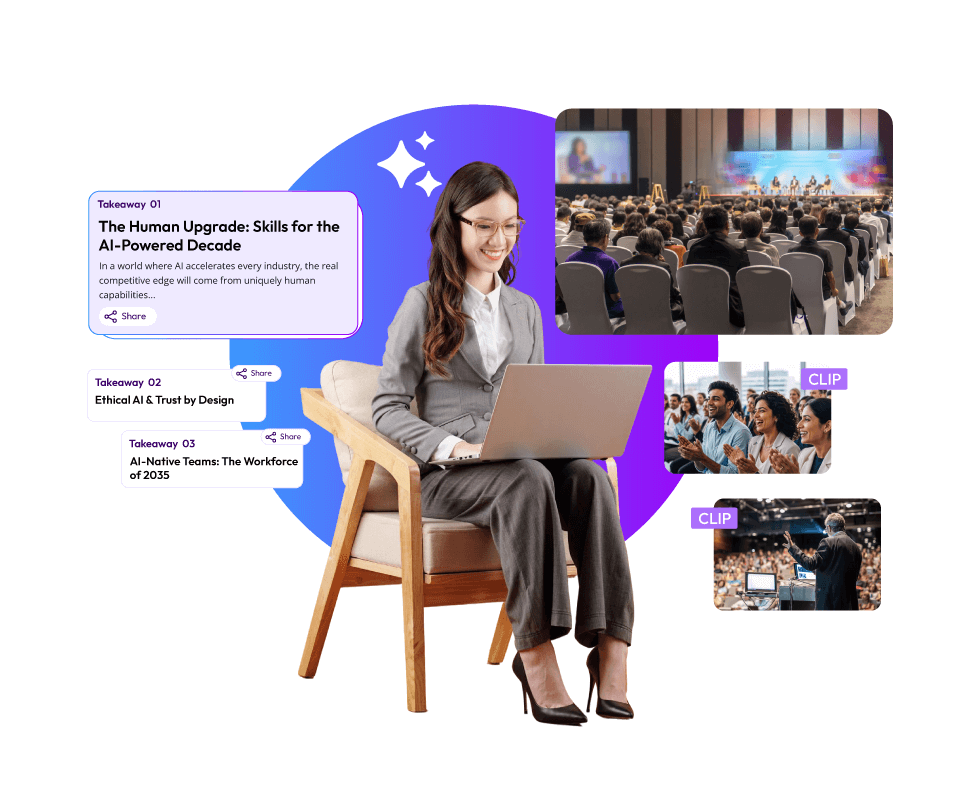
And the best thing?Snipin AI changes your long webinar long recording to highlights and makes a special content hub to showcase them. This hub displays all your best moments, insights, and takeaways in one place.
This microsite itself becomes a marketing tool. Share it with people who missed the live session. Brand it to match your company style. Instead of sending people a boring hour-long recording, you give them a polished, professional content library that's actually enjoyable to browse.
The Key Benefits of Turning a Webinar Long Recording into Highlights
Webinar recordings have a lot of useful content that can come in handy in several post-event tasks. For example, you are conducting a training program for your employees, and the webinar you had last week had a lot of relevant content that could be used in the training. What do you do? Make the trainees rewatch a good one hour of the webinar? Not the most smart or engaging idea, right? The best way would be to turn the webinar's long recording into highlights and use them as references in between the training sessions, from time to time. This brings us to the first benefit of webinar content repurposing:
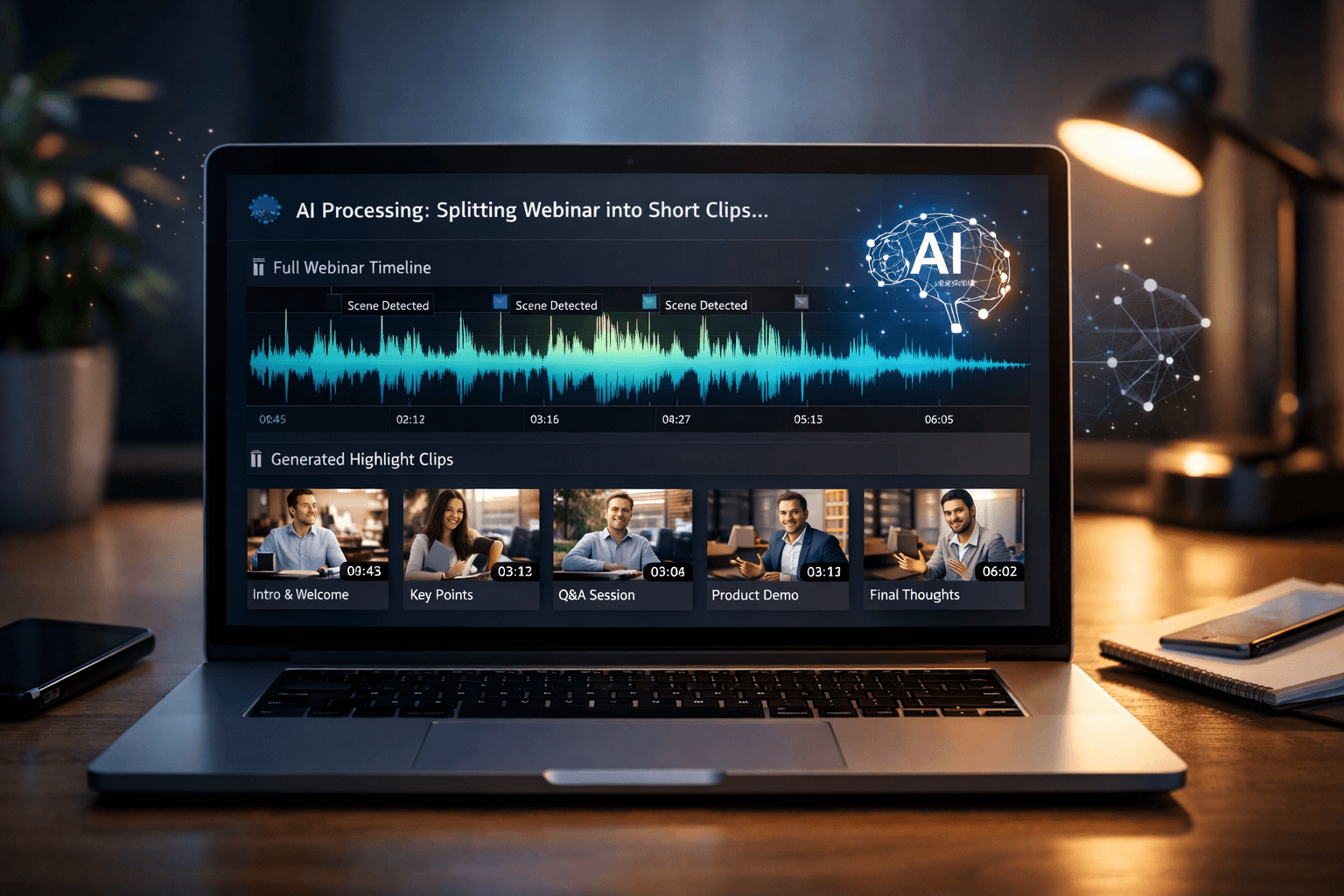
1. Consumable Content
The biggest benefit of web content repurposing lies in making the webinar content easy to rewatch. An hour-long recording is hard to rewatch. It's not refined in a way that can hold people's attention.
During a live webinar, certain things feel natural. You don't mind waiting while the presenter fixes their mic or loads their slides. Those first few minutes when people are still joining? No big deal. You're patient because it's happening in real time.
But when you rewatch the recording, these same moments become annoying interruptions. The fumbling with presentation decks feels slow. The wait times kill the flow. A recording captures everything exactly as it happened, including all the parts that don't matter anymore.
But converting a virtual event's long video to highlights eliminates all the unnecessary elements and presents only the most engaging parts of the webinar.
2. Social Media Ready
Social media is all or largely about short-form content. Content that engages quickly and conveys the key idea clearly. Webinar session highlights fit the bill perfectly. They are crisp, clean, and focus on one key idea or standout moment.
Your marketing team doesn't have to struggle with trims and cuts. The AI video summarizer for virtual events does most of the work and makes your webinar content social media-ready.
The best part is that you can see which clip is getting the most likes and shares. This way, you get a better idea about the themes and ideas that people want to hear more about and the ones that have become redundant.
3. Shareable
The first impulse you get when you watch something really great is to share it with people. You share content that strikes you in some way or another. Your webinar could have that kind of impactful content, but how do you think your attendees will be able to share it?
There's a huge gap there, and turning the webinar long recording into highlights fills that gap. Snipin AI gives you clips, moments, and takeaways that you can share with a single click. These clips are already formatted and sized in an easily shareable way.
4. Filtered
Too many insights and ideas can also be overwhelming. Again, when you attend a webinar live, you can handle the information flow by taking down notes, taking small breaks, and clarifying by asking questions. There's also the excitement to learn something new, which motivates you to focus and learn.
All this vanishes when there's a webinar recording on your screen, and you have to hit play. It lacks the vibe of a live event. You can't interact with anyone. You constantly have to skip the inactive portions, like the breaks. In doing all this, the content barely impacts you as much.
Webinar highlights, on the other hand, filter the content-heavy recordings and organize all the ideas and insights into several clips. One clip focuses on one or two main ideas. This way, the information doesn't overwhelm you.
5. Multiple Marketing Assets From A Single Recording
Snipin AI doesn't just give you clips. You get session takeaways and stills, too. You can easily use the takeaways and summaries in social media captions, brochures, and internal decks. The stills can come in handy when you are looking for attractive images to use as thumbnails and cover images.
An AI video summarizer for virtual events, like Snipin AI, gives you a complete set of marketing assets. You can dig out more material eventually, but your immediate post-webinar marketing can be completely sorted with Snipin AI.
If you are wondering how the AI works, it's pretty simple. It can read emphasis, gestures, and expressions in an advanced manner. Based on these, it generates clips and moments.
6. Teamwork Becomes Easy
Snipin AI makes teamwork easy. Your team can check out the clips the AI puts together. Anyone can approve the good stuff or ditch the bad stuff before it goes live. Old-school editing? Just one person in charge. Snipin AI? You pick who gets to access, control, and manage the content. Marketing, content team, managers- they can all take a look. You decide who sees what. And if a clip isn't quite right, just tell the AI webinar video summarizer to redo it. Simple as that.
7. Scalability
If you're submerged in videos from online events, an AI video summarizer for virtual events can be a lifesaver. Imagine running a virtual event for days, with tons of talks happening each day. That's a mountain of stuff to get through! Doing it manually takes forever, but Snipin AI changes things completely. It chews through all your recordings and finds the good bits super quick. And, you can send the best stuff and short clips to people who came, so they feel like they actually got something substantial out of it.
Final Thoughts:
Webinars are usually organized to discuss a key subject, idea, or issue. The speakers are mostly industry experts. Naturally, there's a lot of content in these webinars that can inform and educate a wider audience. Even those attending the webinar can feel the need to use its insights at some point in their life. But what options do these attendees have to revisit the webinar? Just their notes or the long webinar recordings. Likewise, to get a wider social media reach, event planners have no option but to ask their editors to sit for long hours and generate shareable content from the long recordings. An AI video summarizer for virtual events makes all of this much easier. It converts webinar long recording to highlights, in minutes. This way, everyone saves time, and the webinar content doesn't lose its impact when the event is over.
FAQs
What is Snipin AI?
Snipin AI is an AI video summarizer for virtual events. It looks at your webinar recordings and pulls webinar session highlights from them, in minutes. This way, you get shareable clips, takeaways, and summaries instantly.
How does Snipin AI turn a long webinar recording into highlights?
You upload your recording to the tool. It scans it for standout moments and highlights. Then, it converts them into bite-sized clips and text-based takeaways. All these content assets are organized in a microsite.
Are these AI-generated clips ready to post on social media?
Yes! These clips are formatted and sized to suit social media use. However, if you want something better, you can delete them and redo the process for more clips.
Can Snipin AI process multiple webinar recordings?
Yes. It’s super scalable and built to handle a large volume of content. You can process multiple recordings together and convert a long virtual event video to highlights.
 Raghav • January 28, 2026 • 6:43