
 Arun
Arun
TL;DR
An AI video generator for long videos can analyze existing recordings, identify useful moments, create shorter clips, add captions, reframe footage, and support editing or publishing. But these tools do not all follow the same workflow.
OpusClip and Klap focus heavily on automated short-form clipping. Vizard AI combines AI clipping with editing control, while Descript centers on transcript-based editing. Wisecut combines clipping with automated video cleanup. Snipin AI and Snapsight are more focused on event and session content, where video clips may be only one part of a broader content workflow.
This guide compares seven tools by their workflows, capabilities, and best-fit use cases rather than naming one universal winner.
Introduction:
If you already have a long recording, you do not necessarily need an AI tool that creates an entirely new video from a text prompt.
The tools covered here are designed for a different job: taking existing long-form video and turning it into shorter, reusable content. In this article, an AI video generator for long videos refers to tools that use AI to analyze existing recordings and generate or prepare shorter clips from them.
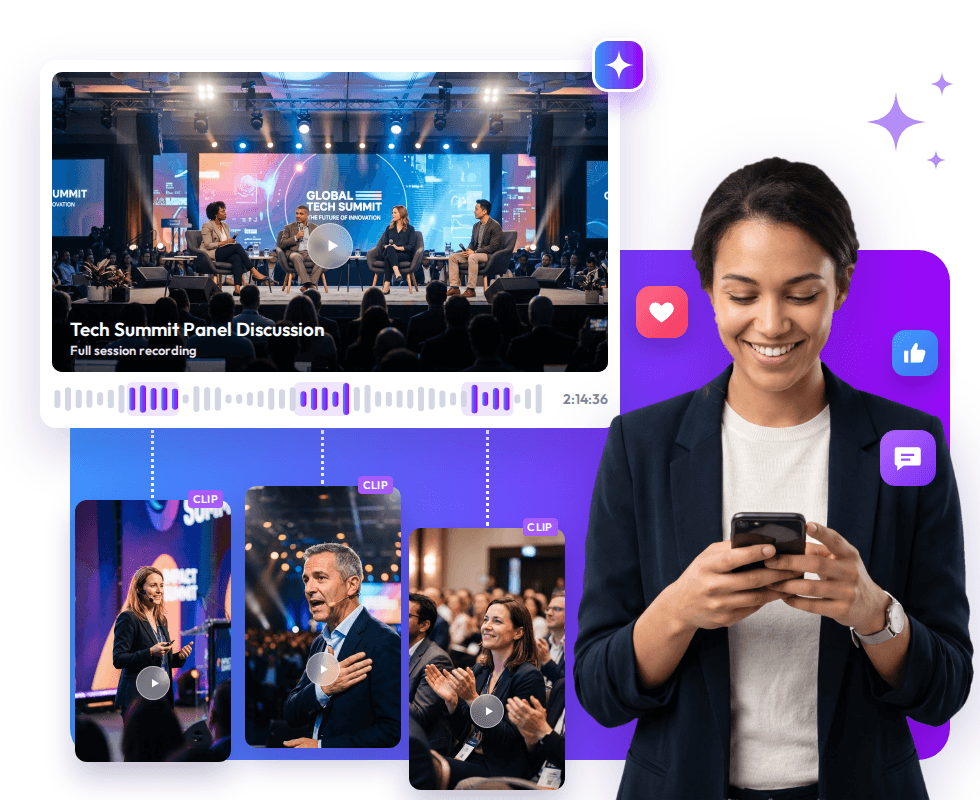
That could mean turning a two-hour podcast into several short clips, converting a webinar into educational videos, or using a conference recording to create AI event video clips, speaker highlights, summaries, and other post-event content.
The difference between these tools comes down to what happens around the clipping process. Some prioritize automated AI video clipping, while others provide more editing control, transcript-based workflows, automated cleanup, or broader event-content capabilities.
Compare the Generators by Their Core Strengths
The quick comparison shows where each platform fits in the broader long-form video workflow. The sections below break down what each tool does best and when its specific approach makes the most sense.
Quick Comparison
| Tool | Best for | Main strength | Beyond clipping |
| OpusClip | Social repurposing | Automated clipping | B-roll, voice-over, publishing, analytics |
| Vizard AI | Marketing and social teams | AI clipping + editing control | Text editing, branding, templates |
| Snipin AI | Social repurposing, Fast short-clip creation, A.i powered highlights | Event-content repurposing | Summaries, takeaways, highlights, content hub, analytics |
| Klap | Fast short-form creation | Automated clipping and reframing | Speaker tracking, scoring, transcript editing |
| Snapsight | Event content intelligence | Understanding session content | Summaries, themes, speaker data, highlights |
| Wisecut | Automated editing | Cleanup + repurposing | Silence removal, music, reframing |
| Descript | Speech-heavy content | Transcript-based editing | Audio editing, collaboration, AI co-editing |
The table gives you the short version. The differences become clearer when you look at how each platform handles the same long-form video workflow.
1. Vizard AI – Best for AI Clipping With Editing Control
Best suited for: Marketers, businesses, creators, webinars, interviews, and podcasts.
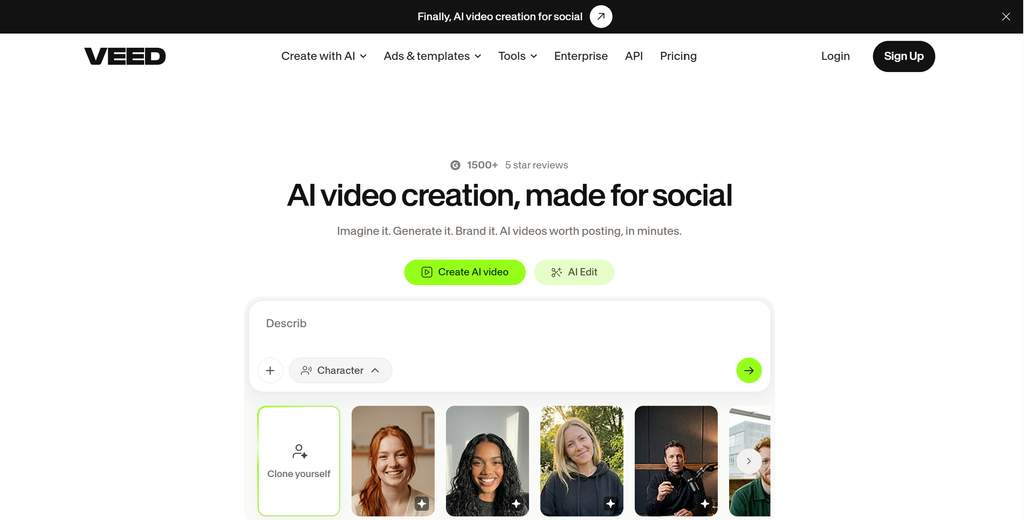
Vizard AI combines automatic clipping with a broader editing workflow. It can identify useful moments, create short videos, add captions, and reframe footage for different formats.
Where it stands out is what happens after the AI generates the clip. Teams can continue editing the transcript, adjust captions and framing, and apply branding before exporting.
A typical workflow could include:
- Upload the long-form video
- Let AI identify potential clips
- Review and edit the selected clips
- Add branding, captions, or other refinements
- Export the final videos
That makes Vizard useful when automation is important, but the content team still wants control over the final output.
Best fit: Teams looking for a balance between automated clip creation and manual editing.
2. OpusClip – Best for Automated Long-to-Short Repurposing
Best suited for: Podcasts, webinars, interviews, educational videos, YouTube content, and social media.
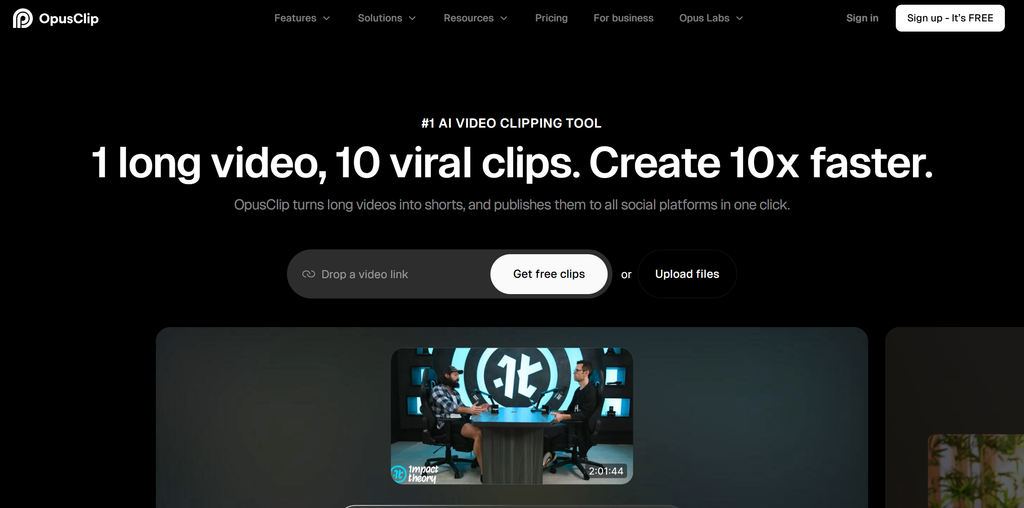
OpusClip is designed specifically around converting long videos into short-form content. Its AI analyzes a source video, identifies potential standalone moments, and creates short clips with features such as captions and automatic reframing.
It also offers capabilities including AI B-roll, voice-over, publishing, and analytics.
The main advantage is automation. Instead of manually watching a 60-minute recording to find possible clips, the AI can produce candidate clips for review.
However, generated clips still need checking for context, captions, framing, and whether the selected moment actually works on its own.
Best fit: Creators and teams that prioritize speed when turning long-form videos into multiple short-form clips.
3. Snipin AI – Best for Event Recordings and Session Content
Best suited for: Conferences, webinars, town halls, exhibitions, trade shows, and other recorded events.
Snipin AI is built around turning event recordings into reusable content. Instead of focusing only on cutting a long recording into social clips, its workflow can identify highlights, speaker moments, visual moments, summaries, and key takeaways.
This makes it relevant when an event produces a large volume of recorded sessions that need to be reused after the event. An AI event video generator workflow can be particularly useful in this situation because teams may need more than a few social clips from each recording.
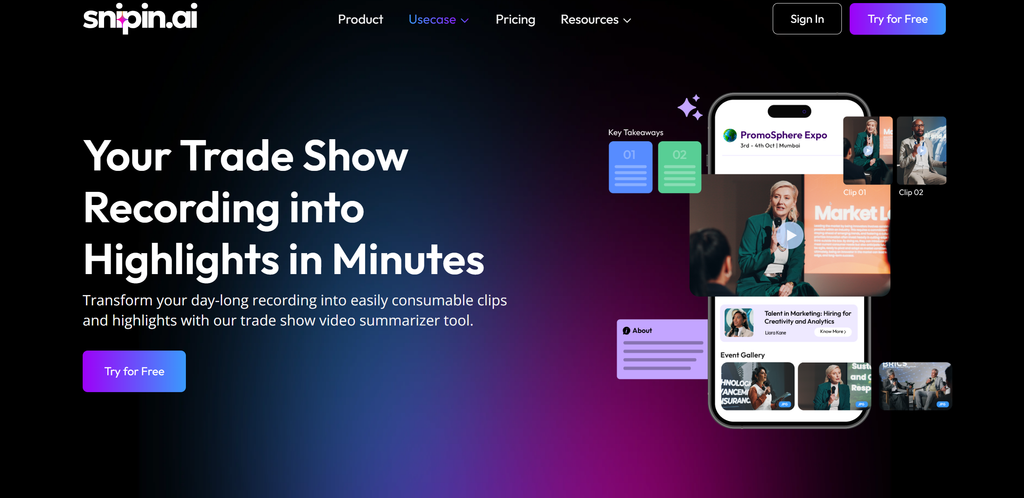
Teams can use the platform to create:
- Short video clips
- Event highlights
- Speaker moments
- Session summaries
- Key takeaways
- Other reusable event content
Snipin also provides a content hub for organizing generated content, with review and analytics capabilities.
Best fit: Teams that need to repurpose multiple event sessions into different types of post-event content rather than simply creating social clips.
4. Klap – Best for Fast, Automated Short-Form Clips
Best suited for: Podcasts, interviews, webinars, YouTube videos, and livestreams.
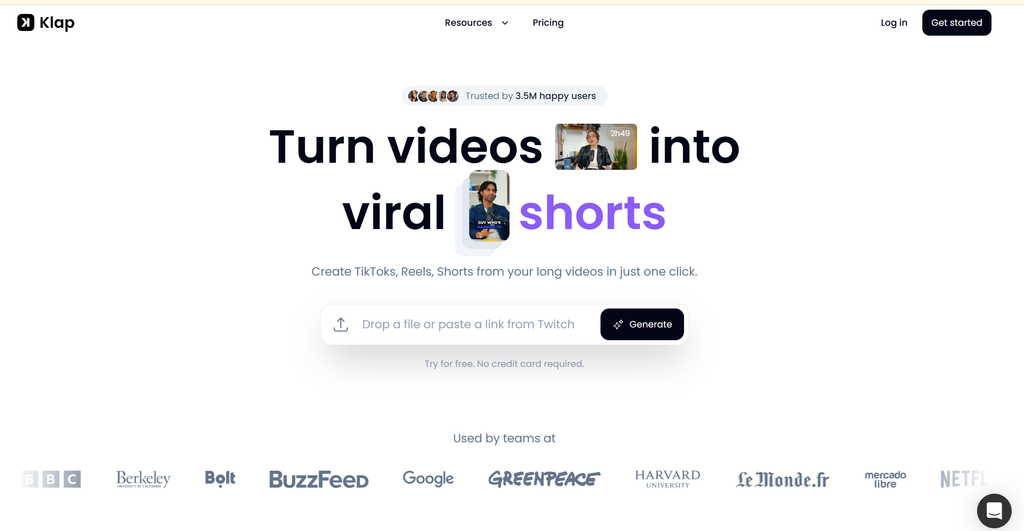
Klap focuses heavily on turning long videos into short-form content. Its AI can identify potential hooks and key moments, create multiple clips, add captions, reframe footage, and track speakers.
It also provides a Virality Score that helps identify clips its system considers stronger candidates based on factors such as hook strength and pacing.
Transcript-based editing gives users another way to refine the generated content without relying entirely on a traditional video timeline.
Best fit: Creators and teams that regularly turn long videos into multiple short clips, refine them, and publish them.
5. Snapsight – Best for Event Content Intelligence
Best suited for: Conferences, keynotes, panels, multi-session events, and teams that need more than video clips.
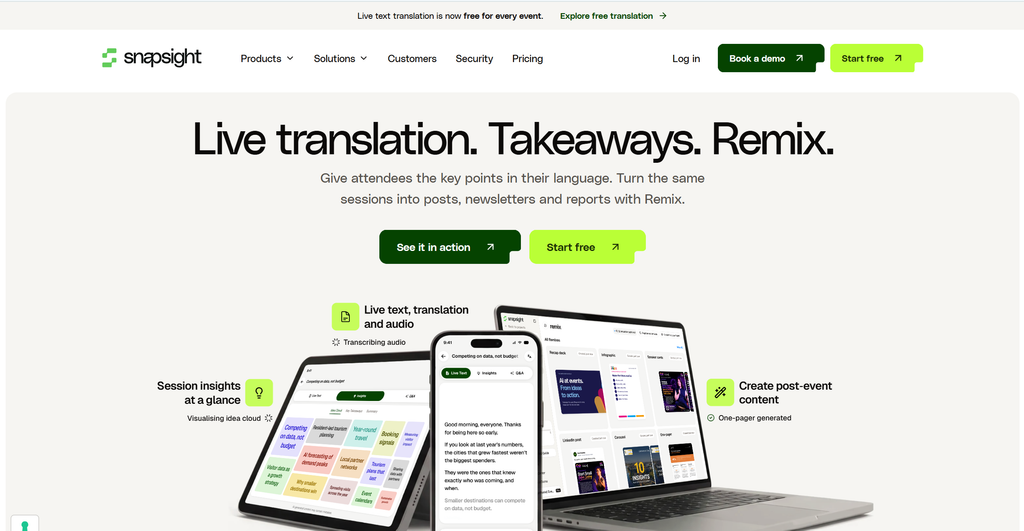
Snapsight takes a broader approach to recorded event content. Its workflow focuses on understanding sessions through transcripts, summaries, key takeaways, themes, speaker information, and highlights.
This matters when a three-day conference produces dozens of sessions and the content team needs more than social videos. The same recordings may need to support reports, articles, speaker content, social posts, and other formats.
Its broader content workflow can extend event information into formats such as reports, decks, one-pagers, social carousels, and event websites.
Best fit: Teams that want to understand and reuse event content across multiple formats, not simply extract short videos.
6. Wisecut – Best for Automated Editing and Repurposing
Best suited for: YouTubers, talking-head videos, interviews, educational content, and podcasts.
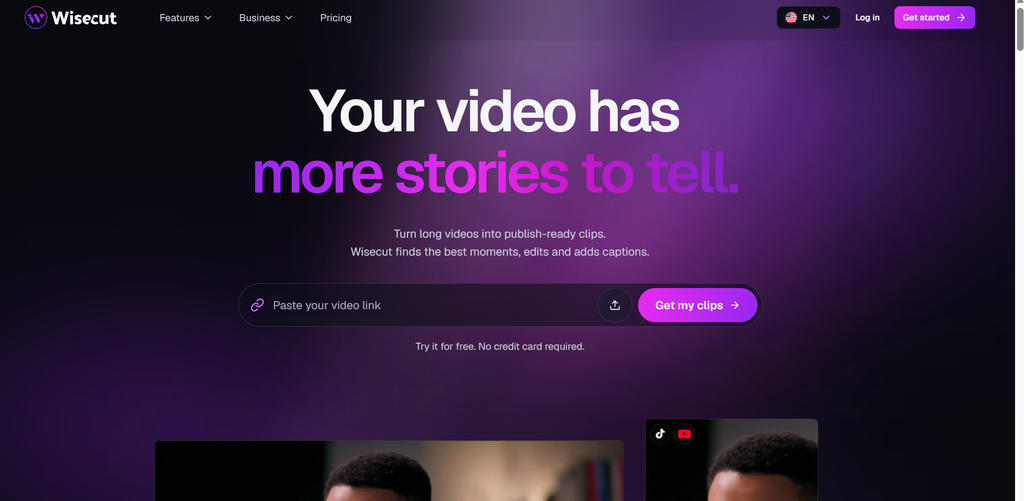
Wisecut takes an automated-editing approach. Its capabilities include highlight detection, silence removal, captions, auto-reframing, music, and storyboard-style editing.
This makes it useful when the goal is not only to find clips but also to clean up the original video. For example, a team could remove unnecessary pauses, improve pacing, and then create shorter versions from the same recording.
Best fit: Creators who want to clean up long-form content and repurpose it into shorter videos as part of the same workflow.
7. Descript – Best for Transcript-Based Editing
Best suited for: Podcasts, interviews, webinars, presentations, and educational videos.
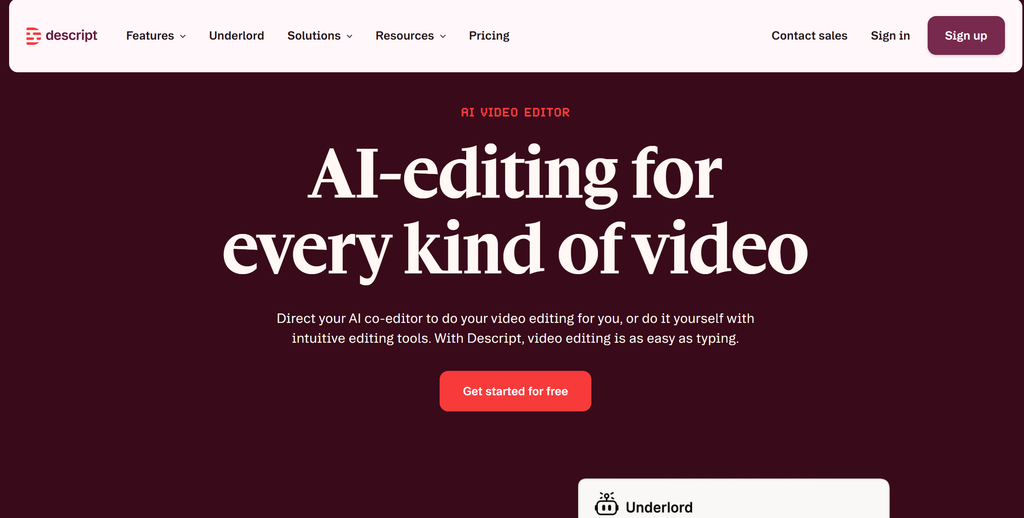
Descript approaches video editing through text. After a recording is transcribed, users can edit the transcript to remove sections, tighten conversations, and create clips.
Its AI features can also help identify moments for short-form content, while the platform provides additional audio editing, collaboration, and co-editing capabilities.
This approach is particularly useful for speech-heavy content. Instead of searching through a long timeline for a particular statement, users can find it in the transcript and edit from there.
Best fit: Teams that want precise control over spoken content while still using AI to speed up clip creation.
What Should You Compare Before Choosing an AI Video Generator?
The right tool depends less on the number of features and more on how those features fit your workflow.
| What to compare | Why it matters |
| Clip selection | Determines how effectively the tool identifies useful moments from long recordings. |
| Editing control | Lets teams refine AI-generated clips instead of accepting the first output. |
| Captions and reframing | Important when clips need to be ready for social platforms and different screen sizes. |
| Multi-speaker handling | Especially relevant for interviews, panels, conferences, and discussions. |
| Content volume | Processing one podcast is different from processing dozens of event sessions. |
| Publishing and analytics | Useful when the workflow needs to continue beyond clip creation and export. |
Also check practical limits such as supported video length, processing capacity, credits or minutes, storage, collaboration, and team access before choosing a platform.
For teams working with events, the comparison is slightly broader. An AI event video generator may need to support not just event video to short clips, but also session summaries, speaker highlights, takeaways, and other forms of AI video repurposing.
Choose the Workflow That Fits Your Content!
An AI video generator is most useful when it helps turn one long recording into multiple pieces of content without adding another time-consuming editing process.
- Start with the content goal: A podcast may need conversational clips, a webinar may need educational takeaways, while an event may need speaker highlights, AI event video clips, and session content.
- Compare workflows, not just features: Some tools prioritize automated AI video clipping, while others focus on editing control, transcript workflows, automated cleanup, or event-content intelligence.
- Keep human review in the process: AI can prepare potential clips, but teams should still check accuracy, context, captions, framing, and relevance.
- Look beyond clip creation: Depending on the platform, AI video repurposing can extend from long video, AI analysis, clip creation, review, edit, publish and measure.
The most suitable platform depends on your content type, editing requirements, publishing workflow, and the amount of recorded content you need to process.
Frequently Asked Questions
Can AI turn a long video into multiple short clips?
Yes. AI clipping tools can analyze long recordings and identify multiple sections that can be converted into shorter videos. The quality and number of useful clips depend on the source material and the tool.
Which AI video generators work well for podcasts?
Snipin AI, OpusClip, Klap, and Descript are relevant for podcast repurposing. OpusClip and Klap emphasize automated clipping, while Descript provides stronger transcript-based editing.
Can AI create short clips from conference recordings?
Yes. Snipin AI and Snapsight are particularly relevant when conference content needs more than clips, such as summaries, takeaways, speaker information, or broader event-content intelligence.
Do AI-generated clips need human review?
Yes. Review is important for context, accuracy, captions, speaker attribution, framing, rights, and overall relevance before publication.


 Raghav • February 6, 2026 • 8 min read