 Raghav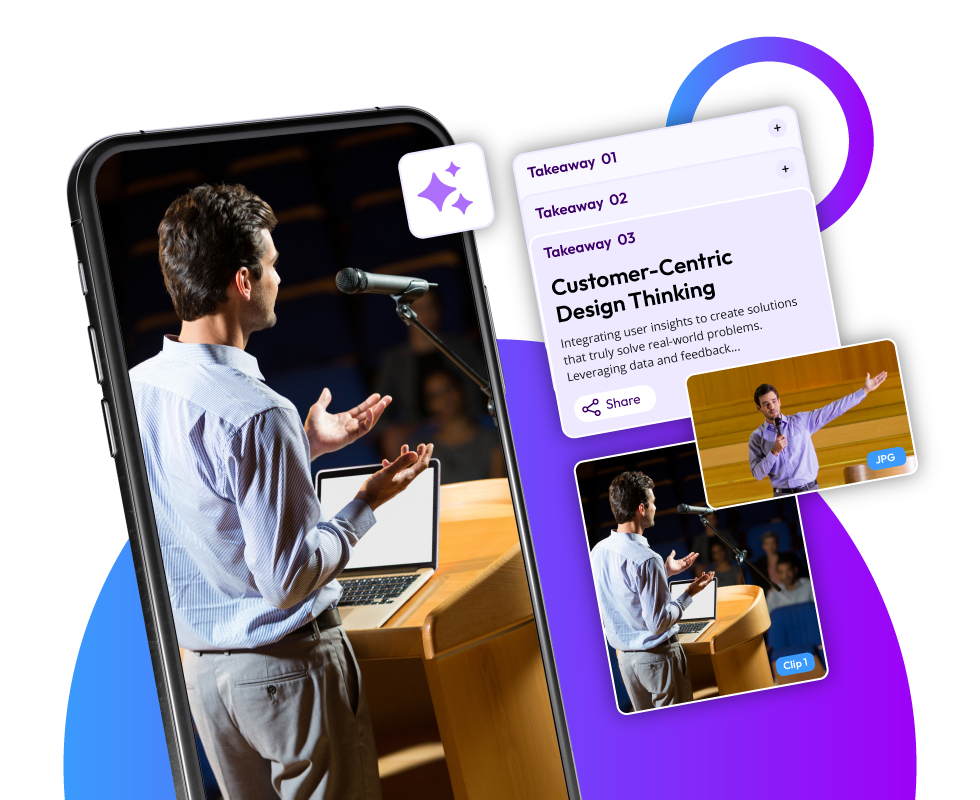
A significant amount of effort goes into recording an event while hosting it. If you've ever organized or attended a big event, you
know this. The speakers, the panels, the keynotes, and the networking sessions, every moment counts.
A common problem event organizers are facing right now is with the content of event sessions not being used meaningfully.
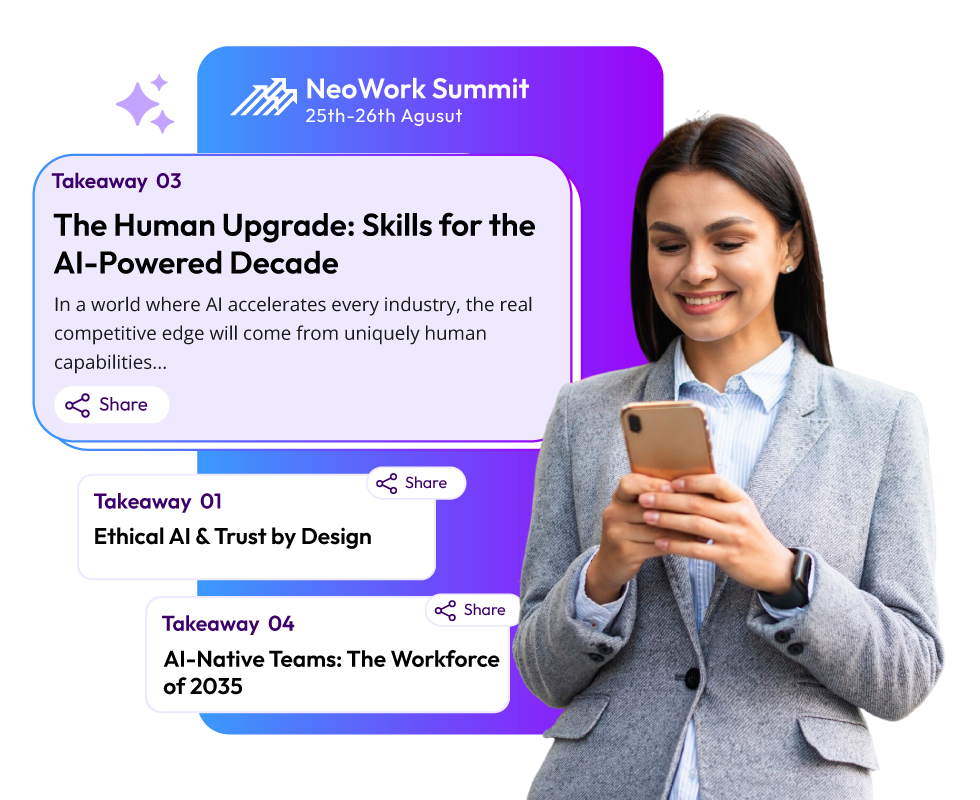
Hours of recordings stored in drives go to waste and are never watched again. In fact, no one has time to watch a 2-hour-long session replay. They want quick, snackable insights from short clips, key takeaways, and summaries that they can scroll through or share.
That's where AI-based content summarization tools come into play.
Today, we will be diving into how events can turn event recordings into clips and shareable content using AI. We will also understand why content repurposing is worth it and how platforms like Snipin AI by Dreamcast work for this purpose.
Why Event Content Is a Content Treasure You’re Probably Not Using
Think about it, every event session you host is packed with insights, knowledge, and moments of brilliance. Yet, most of this valuable content is underused because it’s locked in long video files.
Traditional event content management looks something like this:
- You record the event.
- Someone downloads the footage.
- The editing team spends weeks creating a few clips.
- By the time the videos are ready, the audience’s excitement has faded.
Sounds familiar, right? The reality is, raw event content comes with great marketing value if you know how to repurpose event videos into shorter, engaging formats.
With the AI clipping tool, it’s now possible to automatically pull out the best bits. You get the highlights, summaries, and takeaways without spending weeks editing.
The Rise of Event Content Repurposing with AI
Before event content repurposing tools came into existence, creating post-event content was a nightmare. You needed editors, copywriters, and a lot of time to go through footage.
Now, thanks to event content repurposing with AI, all you need to do is upload event recordings. The tool does the rest for you. From auto-generated event clips to social media highlights, the event summary creation has become easier than ever before.
It’s like having an entire post-production team working for you. The only difference is the work done in minutes instead of weeks.
How AI Changes the Game of Event Summary
Here’s what AI brings to the table when you repurpose event videos:
- Automatic Highlight Detection: AI scans your video and identifies the best moments. It finds the highlights that might have engaged your audience.
- Quick Summarization: Want your event content summarized? AI-based summary creation provides you with short written summaries that capture what the session was about and why it matters.
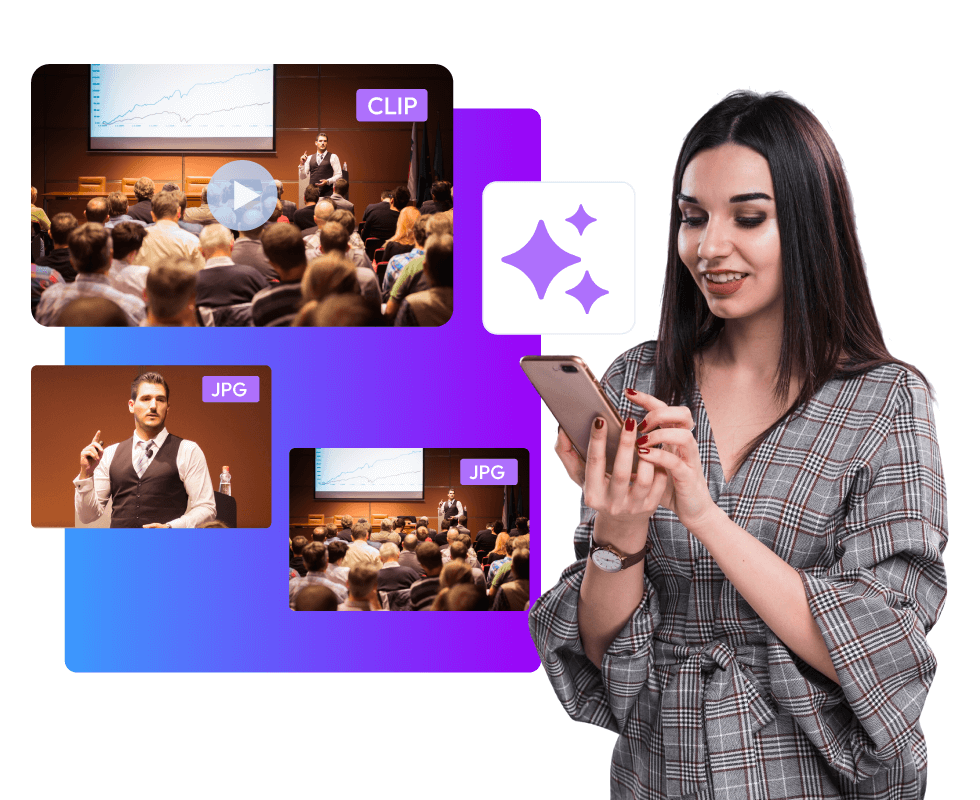
- Smart Clipping: AI smart clipping provides you with ready-to-share short clips. All these clips work perfectly for social media reels on LinkedIn, Instagram, or YouTube.
- Content Categorization: It helps you organize multiple sessions into one searchable content hub.
- Analytics Insights: A great event summarization tool isn't just about generating clips but also about how they are performing online. Tracking engagement is the key here. With analytics, you can get to know how your audience is engaging with the content.
In short, AI doesn’t just make repurposing faster; it makes it smarter.
Step-by-Step Guide to Repurpose Event Videos into Short Clips and Summaries
Let’s get practical. Here’s a step-by-step way of using an event summarization tool to repurpose long-form event videos into clips and snippets with AI.
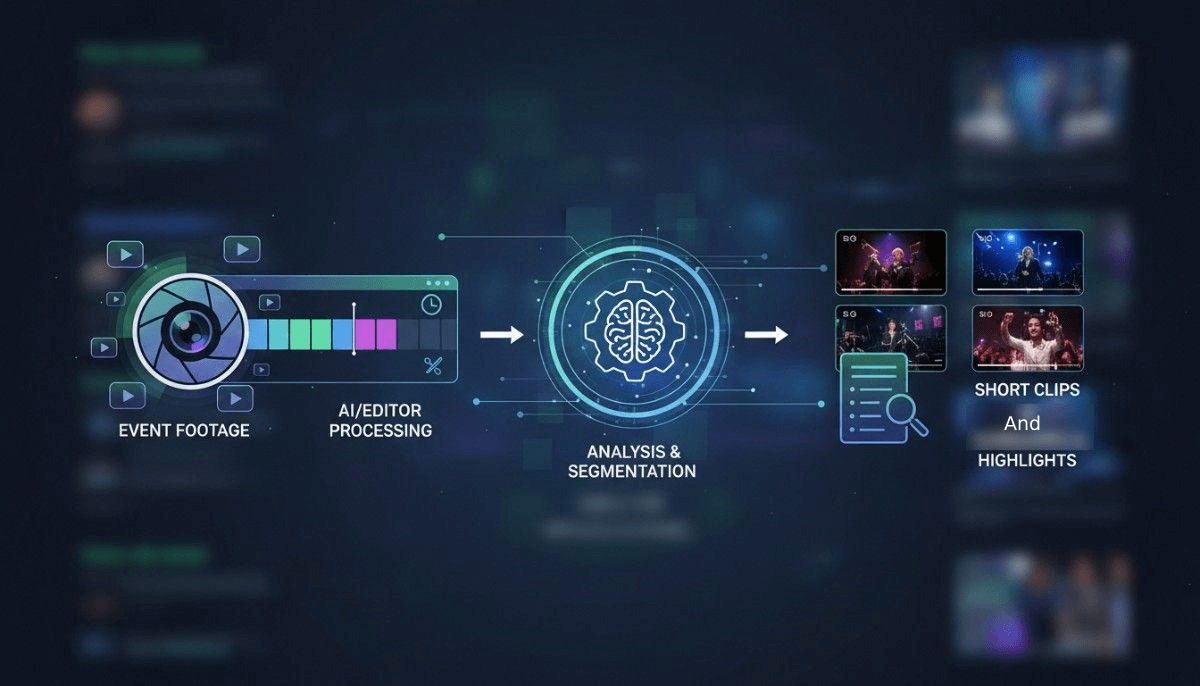
In other words, here's how to make your event recordings make you popular among the audience.
Step 1: Upload Your Event Recordings
Start with your full-length session recordings, whether it’s a keynote, panel discussion, or workshop.
A good event content repurposing tool, like Snipin AI, allows you to simply upload your files. The AI then begins analyzing the audio and video to identify what stands out.
Step 2: Let AI Find Out the Engaging Moments
This is where the magic of AI happens. The days of manually finding the most engaging moments and then clipping them out are gone. The AI automatically detects the most engaging moments from your event. Maybe it’s a speaker dropping a golden insight, or an audience reaction, or a fun interaction.
Snipin AI, for instance, takes those key moments and transforms them into short video clips ready to share. You’ll also get written summaries and takeaways. Therefore, you get multiple ways to reuse that same content.
Step 3: Review and Customize
AI does the groundwork for you. Automatic clip generation and session summary creation is what I am talking about. It's time to review the content.
You can keep the clips you think would engage the most or edit the summary the way you want.
All in all, you can add your touch-ups to clips, captions, and text.
Step 4: Share with One Click
Once your clips and summaries are ready, publish them where your audience lives. Ask yourself, do you want event clips on social media? Or do you want an article for your website?
Have a channel in mind with all the event content summarized. Once you know where your clips should go first, all you need to do is one-click.
With one-click sharing, you can post your auto-generated event clips on your favorite media platforms.
Step 5: Track Performance
This is the most underrated step. Don’t just post and forget. Monitor what works.
An AI event clip generator like Dreamcast’s Snipin AI provides analytics dashboards for every session. You can use the analytics to measure how your short clips are performing.
You get answered for: Which topics are resonating? Which clips get the most views or shares?
Having such insights enhances your planning for the next event.
Why Repurposing Event Content Matters
The truth is, your event’s value shouldn’t end when the livestream does.
When you repurpose event videos, you extend the life of your content and reach a much wider audience.
Let’s look at a few reasons why event organizers, marketers, and brands are investing in AI-powered event content repurposing tools:
1. Save Time and Resources
Instead of spending weeks creating highlights, event content repurposing with AI automates the entire process. It creates professional-looking short clips and summaries without a long turnaround.
2. Keep the Buzz Alive Post-Event
Engagement drops once the event is over. However, the story is different when you have fresh, bite-sized content ready to be shared on social.
Posting session highlights, best moments, or quote clips keeps your audience engaged long after the event.
3. Expand Your Event’s Reach
People don't spend time rewatching a full session replay. But they’ll definitely watch a 60-second highlight or a carousel of key takeaways. Repurposed event videos make your content more accessible and shareable.
4. Build an Event Content Library
Think about having a central hub where all your event lives, from sessions to clips to summaries.
That’s the power of tools like Snipin AI. It can help create a content library for your event.
5. Strengthen Your Marketing Efforts
Your event content isn’t just for post-event engagement. It can also work for your marketing strategy. You’re basically turning one event into content assets.
Use highlights for:
- Social media reels
- Email campaigns
- Blog content
- YouTube playlists
What Makes a Great AI-based Content Summarization
Not all tools are created equal. When choosing the right event content repurposing tool, here’s what you should look for:
Automatic Detection – A good event summary tool can help pull key moments and create clips.
Summary Generation – Automation in producing session recaps and written takeaways.
Easy Sharing Options – Know if you can post clips across platforms with one click.
Analytics Dashboard – a dedicated dashboard where you can measure the engagement and content performance.
Content Library – Stores all your event content in one organized space.
Dreamcast’s Snipin AI checks all these boxes. It is designed specifically for event planners and marketers who want to make the most of their recordings without going through any technical hassle.
How The Future of Event Marketing Is AI-Driven
We’re entering a time where AI doesn’t just assist event planners, but it elevates the entire experience.
Event content repurposing with AI means your event is no longer a one-time experience. It turns into a continuous content engine. It helps you drive engagement, build authority, and strengthen your brand’s digital presence.
The best part? It’s accessible. You don’t need to be a tech expert or a video editor. Just upload, let AI do its thing, and share.
As far as the future is concerned, we’ll see more event organizers capitalizing on AI-based summarizing tools. We will see how these can take content strategies to another level, making every second of the event count.
Final Thoughts
Every event has its own story to tell. The story shouldn’t end when the event is over.
Feel thankful, we are living in the times when we can use an event content repurposing tool powered by AI. A lot of raw footage can be turned into a treasure trove of shareable clips, summaries, and highlights.
The time has come when you can give the event recordings a second life.
And if you’re looking for a tool that simplifies all of this, Snipin AI by Dreamcast is built exactly for that. So, keep content alive long after the event ends by turning event videos into engaging clips and highlights.
 Mohi • November 21, 2025 • 9 Min. Read