
 Mohi
Mohi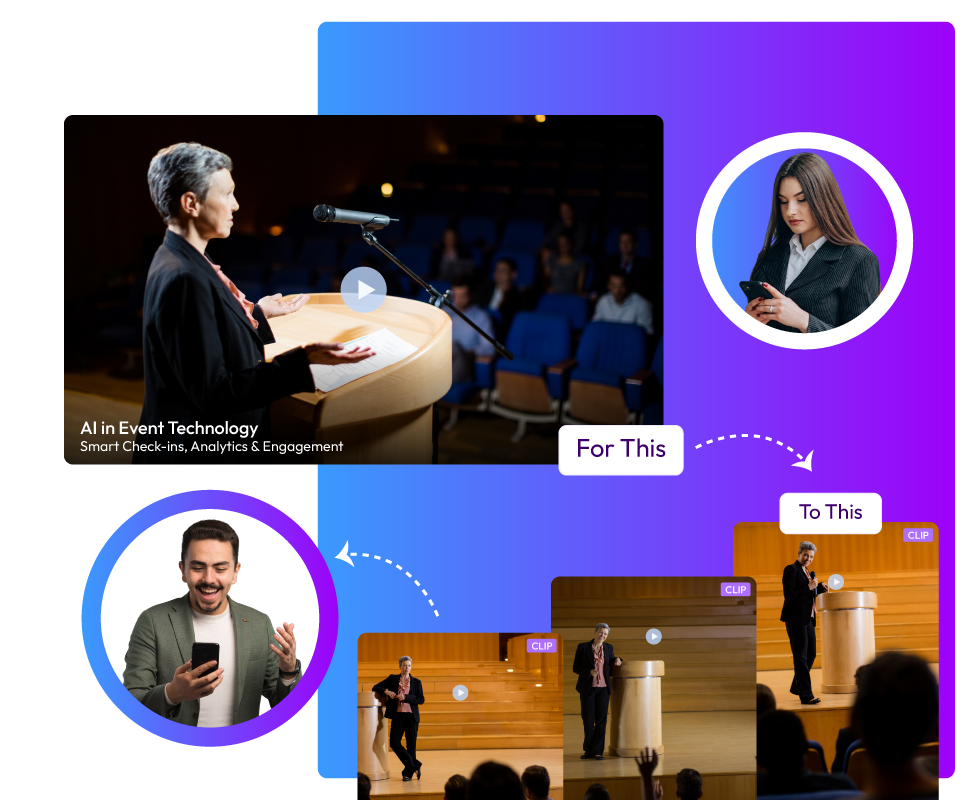
Vizard AI is one of the most popular AI video clipping tools, ideal for reusing content from events. If you've ever hosted events, you know how much work it takes to convert long recordings into short clips. Doing it yourself can be a real drag! That's where AI video clippers, like Vizard AI, can help. Since there are a variety of choices available, each has its own strengths and weaknesses. In this post, we'll cover some of the best Vizard AI alternatives and what makes them unique.
What Do AI Video Clipping Tools Like Vizard AI Do Exactly?
Almost all event planners will agree that post-event marketing is as gruelling as organizing the event itself. It requires thinking, creating, and posting content, all within strict deadlines. There's a mountain of pressure from stakeholders to get the event as much reach as possible so that the brand keeps growing. AI video clipping tools make event teams' work a lot easier by pulling social-media-ready content from long event recordings. Not all tools necessarily generate publishing content, but broadly, they are built to repurpose long videos for better use. Different event video repurposing tools work in different ways, and yet, some things remain common. That's why they are close alternatives to each other.
The Best Vizard AI Alternatives You Need To Know About
Vizard AI is widely counted among the most reliable event video repurposing tools out there. But it has some great alternatives as well. Check them out here:
Snipin AI
Snipin AI is made just for events. This makes it one of the smartest event video highlight tools you can use. Upload your event recording, and you get ready-to-use highlight clips instantly. Short snippets, summaries, and key takeaways appear right away. No waiting.
The tool handles all kinds of content. Conferences, townhalls, podcasts, workshops, webinars, and training sessions. Whatever you throw at it, Snipin AI processes it. One of the coolest things? Your clips keep the visual identity of your original recording. Logos stay in place. Overlays remain. Speaker layouts don't change.
Here's what else makes Snipin AI special. You get a customizable microsite to showcase your highlights. Present your key event moments in a clean, branded space. Snipin AI makes your event content live far beyond the event days. You don’t have to worry about your event recordings going to waste!
Here’s a quick overview of Snipin AI’s features that make it stand out among other AI video clipping tools:
Auto Snippet Generation Pulls out the best moments from your long videos without any manual work.
AI Summaries Gives your audience a quick overview of each session so they can grasp the main points in seconds.
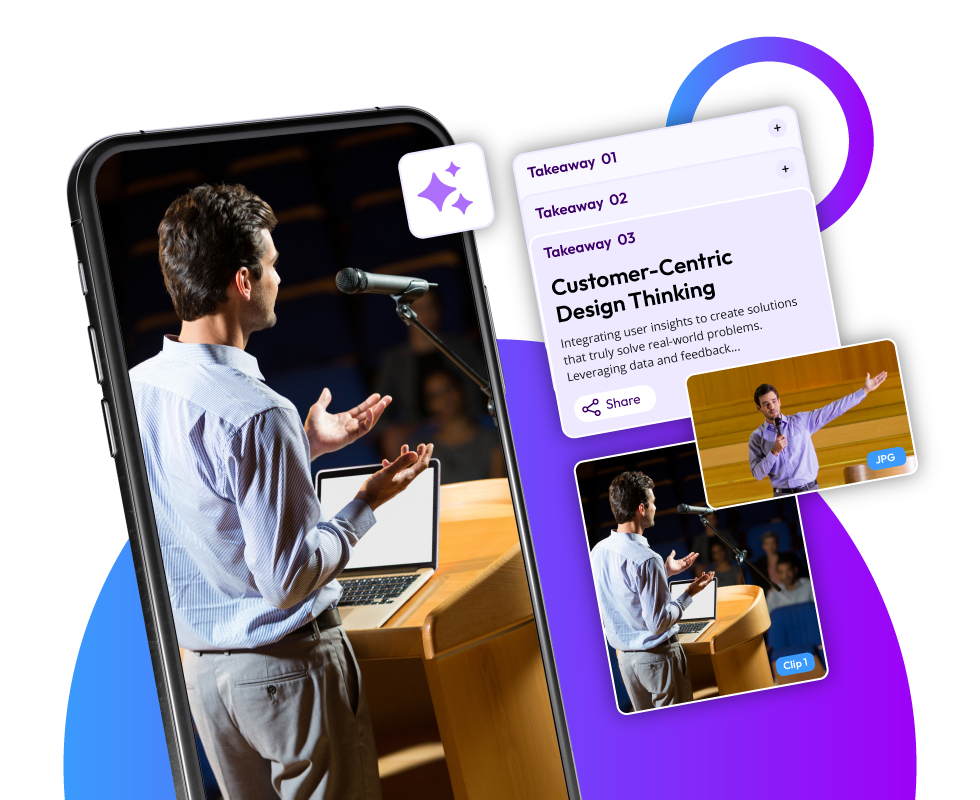
Key Takeaways Picks out the most important insights and quotes that you can easily share on your blog, in emails, or on social media.
Smart VisualsGrabs high-quality images and thumbnails from your videos that work perfectly for galleries or social posts.
Microsite Publishing Builds a shareable webpage in moments where all your video snippets live in one place.
Analytics DashboardShows you how your snippets are doing by tracking views, clicks, engagement, and shares.
Reprocessing Engine Lets you regenerate snippets instantly if the first version isn't quite what you wanted.
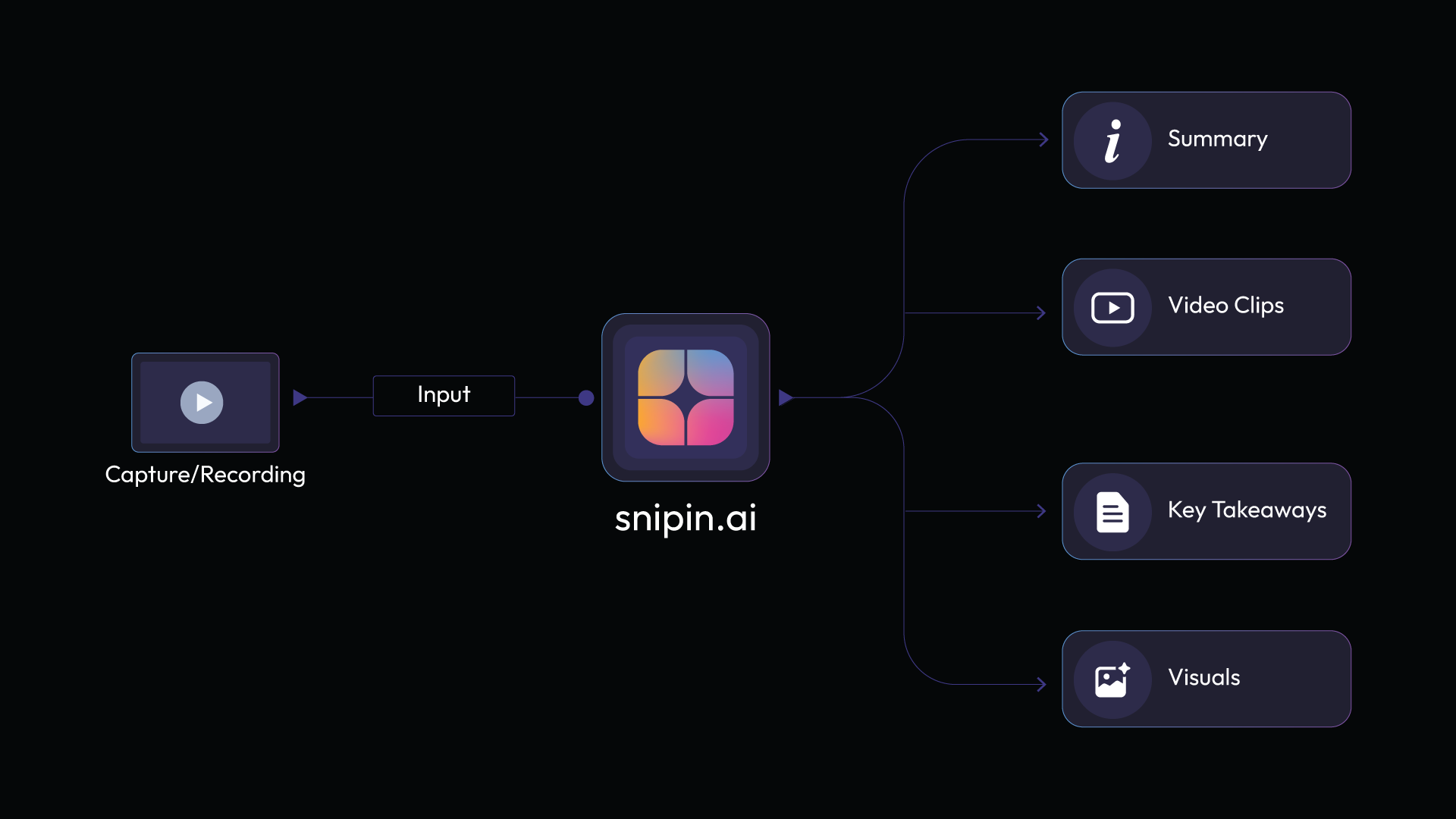
Snipin AI’s biggest plus is that it’s highly user-friendly. Just a few simple steps, and you get great content for your event promotion:
1. Upload your event recording into the tool.
2. Snipin AI scans it carefully and spots the best moments.
3. It converts these moments into clips, snaps, and takeaways.
Wisecut
Wisecut is an AI video clipping tool that uses voice recognition for automatic editing. It finds awkward pauses in your videos and removes them. No more sitting through hours of footage hunting for bad moments.
The tool creates jump cuts with punch effects. Your videos look clean and professional. Wisecut picks background music for you and adjusts it on its own. When someone speaks, the music volume drops. When there's silence, it comes back up.
You get auto-generated subtitles in more than 100 languages. Silent sections disappear automatically. There's an auto-zoom feature to keep viewers engaged. And you can edit by changing the transcript text. Delete words you don't want, and the video changes instantly.
Opus Clip
Opus Clip is one of those AI video clipping tools that hunts for viral moments. It analyzes your long videos and picks out the best parts. Then it creates short clips ready for social media.
Opus Clip handles different video styles. Podcasts work well. So do webinars, commentary videos, and educational content. The AI detects speaker energy and keywords to find punchy moments. You can add brand templates with your logos and colors. Everything stays consistent.
One useful feature? Export clips in multiple aspect ratios. Horizontal for YouTube. Vertical for TikTok and Reels. Square for Instagram posts. The tool handles all of it.
SnapSight
SnapSight takes a different approach from other event video highlight tools. It focuses on real-time content summarization during live events. When speakers talk, SnapSight captures the key takeaways on the spot.
The platform creates interactive "idea clouds." These show the main themes from each session visually. Attendees click on concepts to explore them deeper. Everything updates in real time as the event unfolds.
SnapSight works in over 40 languages. Language barriers disappear at global events. You can process past recordings, too. Upload your old event videos, and SnapSight pulls out the insights.
For event organizers, this boosts engagement. Attendees get value immediately instead of waiting for post-event content. The tool integrates easily with existing event apps. You just need one laptop to get started.
Vozo AI
Vozo specializes in video translation and dubbing. But it also creates short clips from long videos. The platform uses AI to analyze your footage and spot engaging moments.
You get accurate auto-generated subtitles with customizable styles. Vozo offers over 100 digital avatars you can use. These make your videos more engaging without needing real presenters. There's voice cloning technology, too. Record your voice once and use it for multiple videos.
Auto-reframe keeps speakers centered even in dynamic conversations. Subtitle translation works across many languages. Your content becomes accessible globally.
Vozo works great for educational content, product demos, and marketing videos. The batch processing feature handles multiple videos at once. Got a library of content? Repurpose it all efficiently.
Descript
Descript takes a unique approach. Edit videos by editing text. Upload your footage, and it transcribes everything automatically. Delete words from the transcript and the video updates.
The tool has an AI assistant called Underlord. Tell it what you want, and it edits for you. Remove filler words with one click. Add captions automatically. Clean up audio with Studio Sound. Change backgrounds without a green screen.
The text-based editing makes it super beginner-friendly. No timeline confusion. Edit like you're working in a document. You can create AI avatars that present your content, too. Stay off camera if you prefer.
InVideo AI
InVideo AI generates complete videos from text prompts. Describe what you want, and the tool creates it. It writes scripts, picks visuals, adds voiceovers, and includes background music. All automatically.
Edit videos using simple text commands through the Magic Box. Type things like "delete this scene" or "change the accent." The AI understands and makes the changes. No complex editing skills needed.
The AI picks relevant content to match your script. Customize everything afterward. The tool supports over 50 languages for voiceovers.
For event content, turn session recordings into social clips. The AI identifies key moments and creates short versions. Perfect for promoting future events. Plans start free with basic features. Paid plans give you more AI credits and premium stock assets.
CapCut
CapCut is a popular long video to short video AI editor with powerful automation. There's an AI script-to-video feature. Write your idea, and CapCut generates a complete video. It picks visuals, adds voiceovers, and includes music. You get over 100 digital avatars to choose from. Or clone your own avatar for custom videos.
CapCut offers auto-reframe for different platforms. One video becomes multiple formats automatically. The AI background remover works instantly. Click, and the background disappears. Replace it with anything you want.
The tool cleans audio automatically, too. The long-to-shorts converter finds the best moments in your recordings. CapCut works on web, desktop, and mobile. Edit anywhere you want.
Pictory
Pictory turns text into videos quickly. Paste your script, and it creates a video with scenes, visuals, and voiceovers. There's a feature for editing videos using text, too. Upload a video,o and Pictory transcribes it. Edit the transcript and the video changes.
Pictory works great for repurposing blog posts. Turn written content into video content easily. The tool adds captions automatically. Add your brand elements. Upload logos, set your colors and fonts. Perfect for turning webinars or conferences into social media clips.
Veed
Veed is browser-based, so there's no software to download. Upload your footage and start editing immediately.
The auto-edit feature is powerful. Edit by changing the transcript. Just like editing a document. Eye contact correction makes it look like you're staring at the camera. Even if you weren't. The voice clone feature lets you create voiceovers without recording.
There's text-to-video generation too. You get access to stock media libraries. Music, video clips, and images are all included. The collaboration features let teams work together in real time. Everyone can comment and edit simultaneously.
The Bottom Line:
Vizard AI has some great alternatives. Snipin AI is good for events. Wisecut rocks at talking-head videos. Opus Clip finds clips that could go viral. SnapSight helps out during live events. Vozo handles translation and dubbing. Descript lets you edit video by editing text. InVideo AI makes videos from simple cues. CapCut brings editing to your phone. Pictory can turn blog posts into videos. Veed is good for all your online editing needs. Basically, these AI video tools save time. Things that took days now take hours or minutes. They help you make more content, faster. Now, anyone can get professional-looking videos using AI!
FAQs
What are AI video clipping tools, and why do event planners need them?
AI video clipping tools automatically turn long event recordings into short, shareable clips. They save event planners tons of time on post-event marketing by finding the best moments and creating social media content instantly.
Which Vizard AI alternative is best for event content?
Snipin AI is the best choice for event content. It works well with conferences, webinars, workshops, and almost all event types.
How do these tools help with repurposing long conference recordings?
Event video repurposing tools analyze your full conference recordings and automatically detect the best moments.
Do I need video editing experience to use these tools?
Not at all! These tools are built for beginners. Many let you edit by changing text transcripts instead of using confusing timelines. Just delete words you don't want, and the video updates automatically.


 Raghav • November 11, 2025 • 8 Min. Read