 Raghav
Events generate a huge amount of content. Think keynote sessions, panel discussions, workshops, and fireside chats. Every minute is packed with value. But let’s be honest. Most people don’t have the time to watch full-length recordings after the event. That’s where AI comes in.
Today, AI-powered tools can summarize sessions automatically. They can pull out highlights and create short clips. These clips are easy to watch, share, and reuse. If you are an event organizer, marketer, content manager, or speaker, this matters. Using an event video summarizer tool saves time. It also helps you get more value from every session.
In this article, we explore the top AI tools for event session summaries, clips, and highlights. You’ll also see how these tools work as an event content summarizer and an AI event snippets tool. How they turn long event videos into short, impactful content. Let’s get started.
Why AI Summarization Tools Are a Game-Changer for Event Content
Let's first know why AI-powered summarization and clipping tools matter. Here are some benefits after an event:
- Share session highlights with attendees.
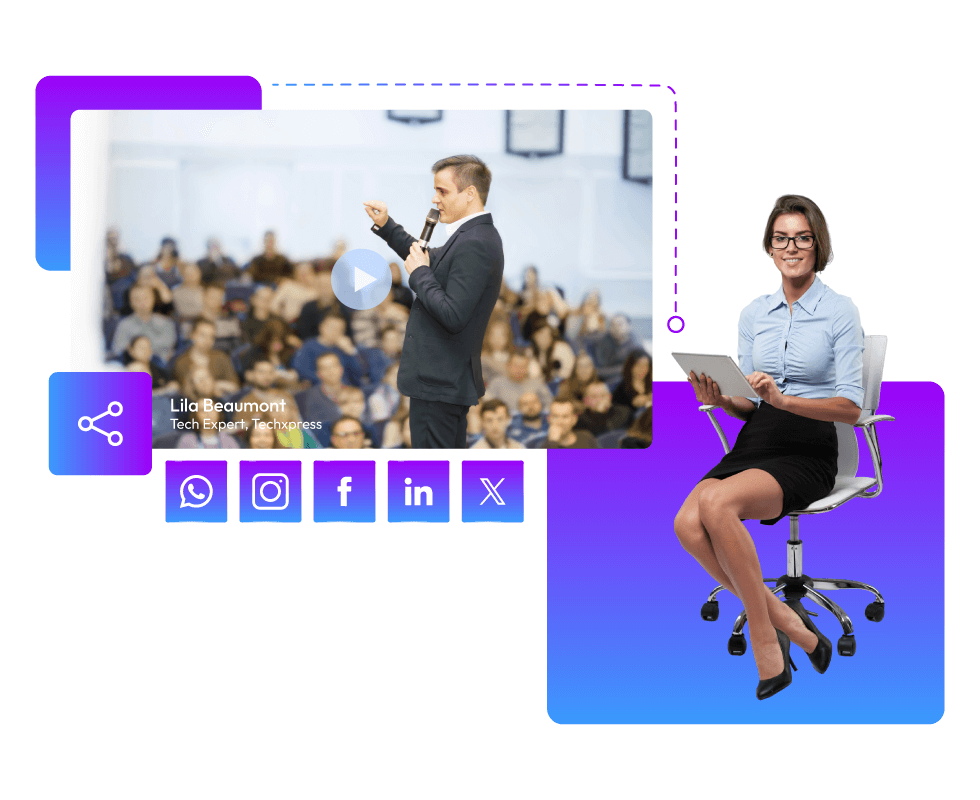
- Repurpose content for social media.
- Create short recap videos.
- Help people catch up on missed sessions.
- Build post-event engagement.
Doing all this manually takes hours. Sometimes, it takes days. An AI-powered event video summarizer tool handles most of this work for you. It goes through sessions and understands context. It picks key moments. Then it turns long videos into summaries, clips, and highlights. That’s exactly what the tools below are built to do.
Top Event Video Clipping Tools Powered by AI
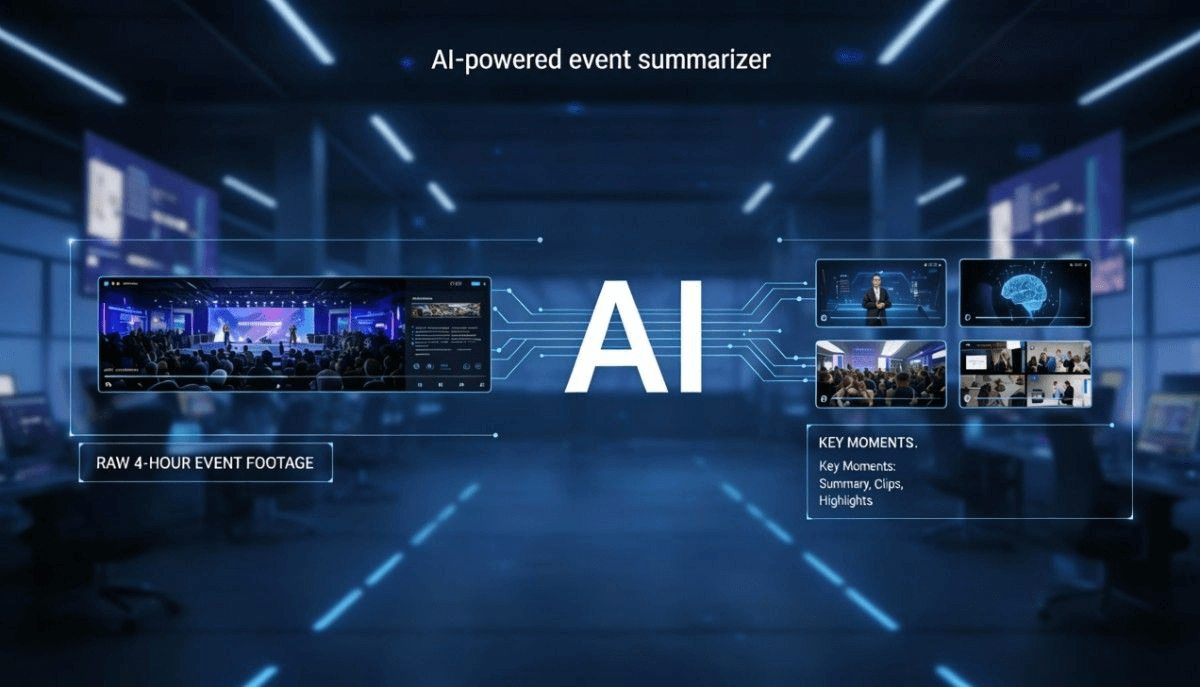
Here are some of the best AI-powered event video summarization tools.
1. Snipin AI
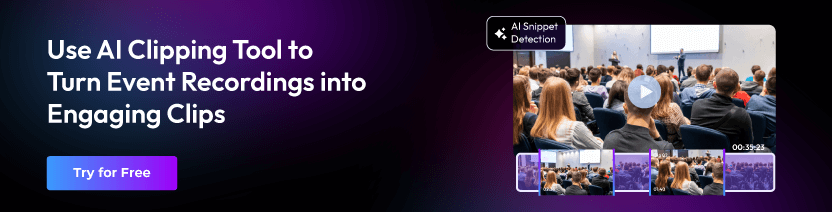
Snipin AI is the most popular AI-powered event video summarization tool. It helps organizers create short, meaningful highlights from long videos. This makes it a strong AI event snippets tool. It supports all sorts of events, conferences, webinars, and virtual events. It is built with a clear purpose.
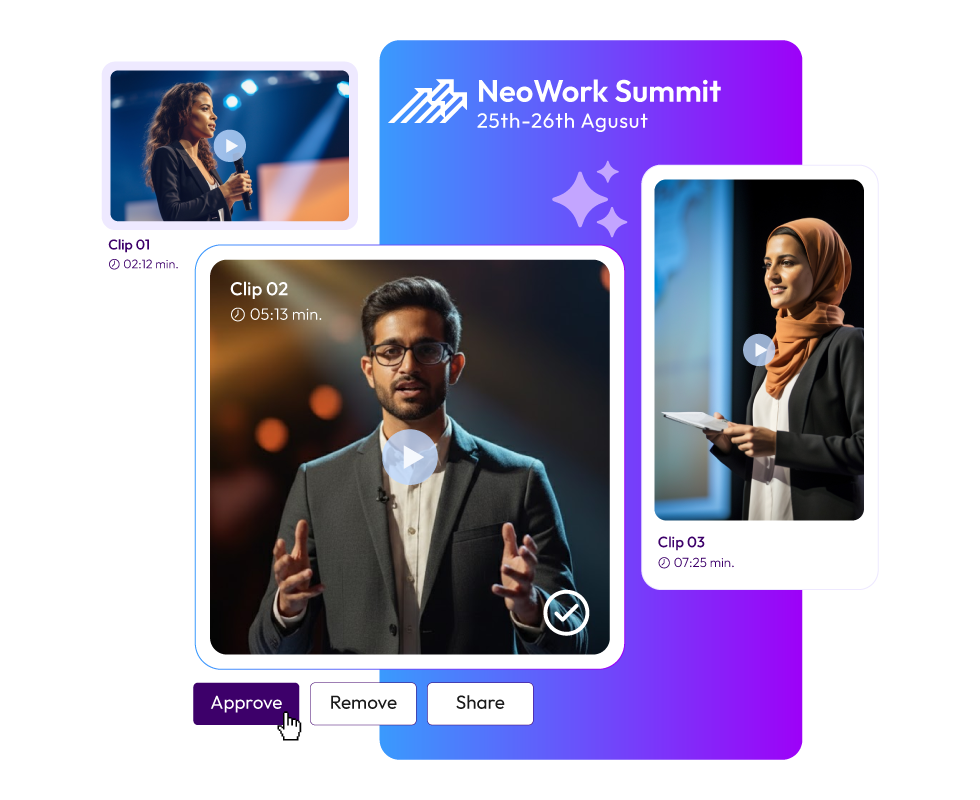
You upload your event session video. Snipin AI finds the most engaging moments. It then turns them into short, shareable clips. What makes Snipin AI stand out is how simple it feels. You don’t need advanced video editing skills. The tool does the work for you. It delivers ready-to-share highlights and clips.
It eliminates the complex process. So, it is a powerful solution for event teams that want fast clips and summaries. Snipin AI works as both an event content summarizer and a clipping tool.
2. Descript
Descript is a popular tool for event video content. It fits perfectly into event content workflows. It transcribes your event sessions. Once the transcript is ready, you can easily summarize sessions. You can remove filler words. Then, it helps you highlight key sections. This makes it a great event video summarizer tool for long-format content.
What event organizers love about Descript is the control it offers. It can edit a video by editing text, which feels very natural. The short highlight clips from long recordings can be created with ease.
3. SnapSight
SnapSight focuses on turning long videos into short highlights. It is especially useful for spotting key moments in event sessions. These include visual peaks and strong conversational moments.
SnapSight uses AI to detect the best moments. It detects when speakers emphasize key ideas. The moments when audience engagement rises. The moments when important topics are discussed. All these moments can be turned into clips automatically.
As an AI event snippets tool, SnapSight works well for event content creation. You can quickly generate multiple highlight clips from a single session. You can reuse them across platforms. For teams that want fast results with minimal effort, SnapSight fits nicely into the workflow.
4. Voxo
Voxo is designed to make content easier to reuse. It combines transcription, summarization, and repurposing in one platform. For events, Voxo works as a reliable event content summarizer. It converts sessions into clear text summaries. It highlights key talking points. Also, it creates short clips from the recording.
One major benefit is clarity. The summaries are easy to read and understand. This makes Voxo ideal for attendees who want quick takeaways. If written summaries matter as much as video clips, Voxo is worth considering.
5. Otter AI
Otter AI is best known for meeting transcription. But it also works very well for event sessions. Otter AI records sessions in real time.
It transcribes them accurately. It then creates structured summaries. This makes it a strong event video summarizer tool for conferences and panels.
After the event, Otter AI helps. You can create session summaries. Identify key points. Extract quotes. Share searchable transcripts. Otter AI focuses less on flashy clips. Instead, it shines as an event content summarizer. No important insight gets missed. It’s ideal for content-heavy and knowledge-driven events.
6. ITventus
ITventus provides an AI summary for events. It is built for event-focused AI solutions. It helps with summarization and content insights. As an event content summarizer, ITventus turns long sessions into clear summaries. It also supports highlight extraction. This makes post-event content creation much easier.
ITventus works well for conferences and corporate events. It is especially useful when structured reporting matters. If you manage many sessions across several days, ITventus can save time.
7. SummarizeX
SummarizeX does exactly what the name suggests. It summarizes content quickly and accurately. For events, it works as both an event video summarizer tool and an event content summarizer. You can upload recordings or transcripts. You get clean summaries in minutes.
The platform focuses on simplicity. There are no complicated dashboards or advanced editing requirements. You upload, process, and download summaries. This makes SummarizeX a great option for teams that want fast results without learning new tools.
8. OpusClip
OpusClip is built for turning long videos into short, viral-ready clips. It is especially popular for social media content. For event sessions, OpusClip acts as a strong AI event snippets tool. It finds engaging moments automatically. It adds captions and formats clips. The clips can be shared on different platforms.
Event marketers love this approach. It removes the guesswork. You don’t have to scan through hours of footage. The AI highlights the best moments for you. If your goal is to maximize post-event visibility and reach, OpusClip is a powerful addition to your content stack.
9. Vizard
Vizard is another AI-powered video repurposing tool. It works well for event content. It takes long-form videos and creates short clips automatically. You can also add subtitles and optimized layouts. This makes it a useful event video summarizer tool for events.
Vizard is helpful for branding. The branding is consistent across event highlights. You can apply templates, colors, and styles to every clip. Therefore, everything looks professional. Vizard is an AI event snippets tool. It can help you turn sessions into shareable stories. No manual editing is needed.
10. Wisecut
Wisecut focuses on smart editing and storytelling. For event sessions, it removes long pauses. It highlights key moments. It generates short summaries. This makes Wisecut an effective event content summarizer.
One big advantage is how natural the output feels. The videos don’t look overly edited or robotic. Instead, they feel smooth and engaging. Wisecut works especially well for interviews, fireside chats, or casual talks. It helps create polished highlights quickly.
11. Animoto
Animoto is slightly different from the others, but it still plays an important role in event content creation.
While Animoto is known for video creation, it can also be used to turn session summaries and highlights into engaging recap videos. When paired with an event video summarizer tool, Animoto helps bring summaries to life.
You can combine short clips, quotes, and key takeaways into a single highlight reel. This works well for post-event wrap-up videos and promotional content. Animoto is ideal for teams that want visual storytelling without complex editing software.
How to Choose the Right AI Tool for Your Event
Choosing the right AI video summarizer is important. Sure, it depends on your event goals. There are so many options available. So, ask yourself:
- Do I need written summaries or video highlights?
- Is social media content a priority?
- Do I want automation or manual control?
- How many sessions do I need to process?
Final Thoughts
Event content doesn’t have to end when the event does. You can turn hours of sessions into minutes of impactful content. Thanks to the right event video summarizer tool. AI makes it easier to capture insights. It helps create highlights. Most importantly, it extends the life of the event after the session ends.
These tools bring something unique to the table. Want quick summaries, engaging clips, or polished recap videos? There is an AI-powered solution that fits your needs.
In today’s content-driven event world, this technology matters. Using an event content summarizer and an AI event snippets tool is no longer optional. It’s quickly becoming essential.
 Arun • January 6, 2026 • 7:27