
 Mohi
Mohi
Planning an event is not easy. It requires you to take care of a hundred things. What will be the concept? Where will it take place? How should the setup look? How to market it? The list is endless. Still, after putting your best foot forward, you finally host the event, and it's a massive success. Till here, it sounds dreamy, but what happens after the event? Its buzz leaves along with the guests, and within days of the closing ceremony, your event is just another calendar memory for everyone. The event ends, and so does its magic. That's where an event insights generator like Snipin AI comes to your rescue. It captures your event recording insights and converts them into highly shareable content.
How does it take the load off your shoulders? We will discuss in this blog. If you, too, want to see how you can extract your event content insights using a smart event insights generator like Dreamcast's Snipin AI, keep reading!
Why Do You Even Need To Extract Event Content Insights?
Any mid to large-scale event has a good number of sessions, keynote speeches, and panel discussions. What if you want to revisit these and draw some helpful takeaways? It could be for social media, some kind of blog, casual viewing, or even sharing. What option do you have apart from watching those long event recordings?! Neither do you have the patience nor the time. AI‑extracted event recording insights provide a solution by sorting this content into easily consumable content in minutes.Also, research backs the fact that most attendees forget an event’s content shortly after it’s over. They barely retain 10% of what was said. What if you are in a similar position, and you really wish to revise what the event highlights were? You can easily do so by using an event insights generator like Snipin AI!
What Makes AI Insights Extraction Different From Manual Summarization?
The simplest explanation for this question is that an AI event insights generator makes your work lighter, but manual summarization increases it. Here’s how:
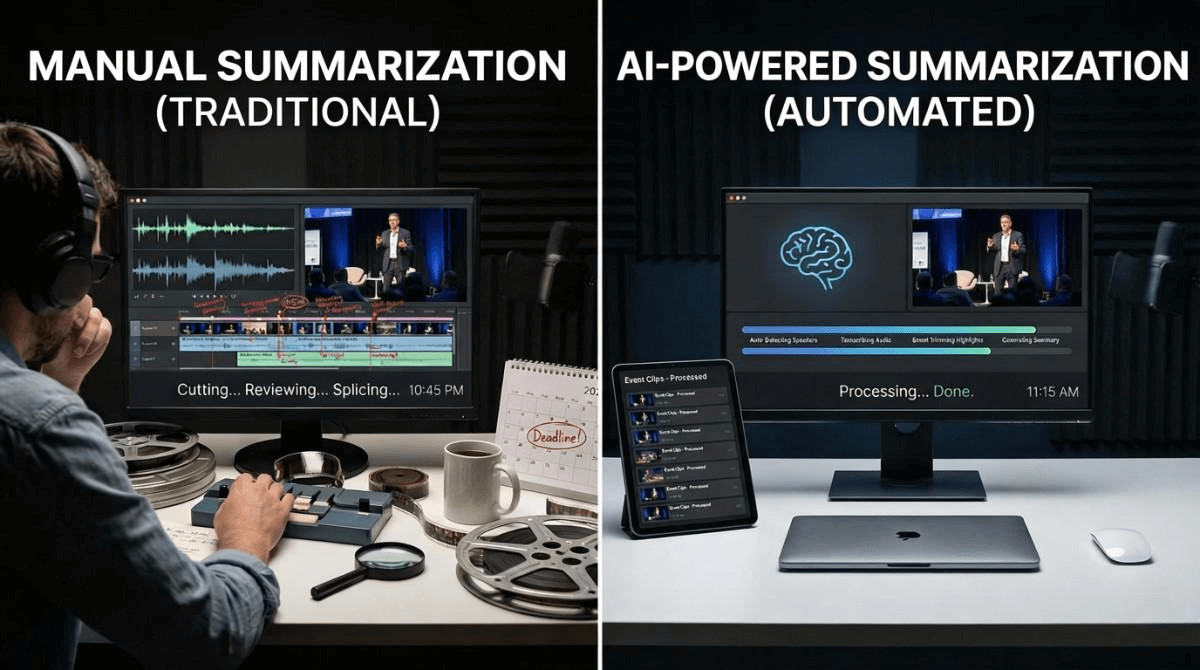
Saves You From Exhaustion
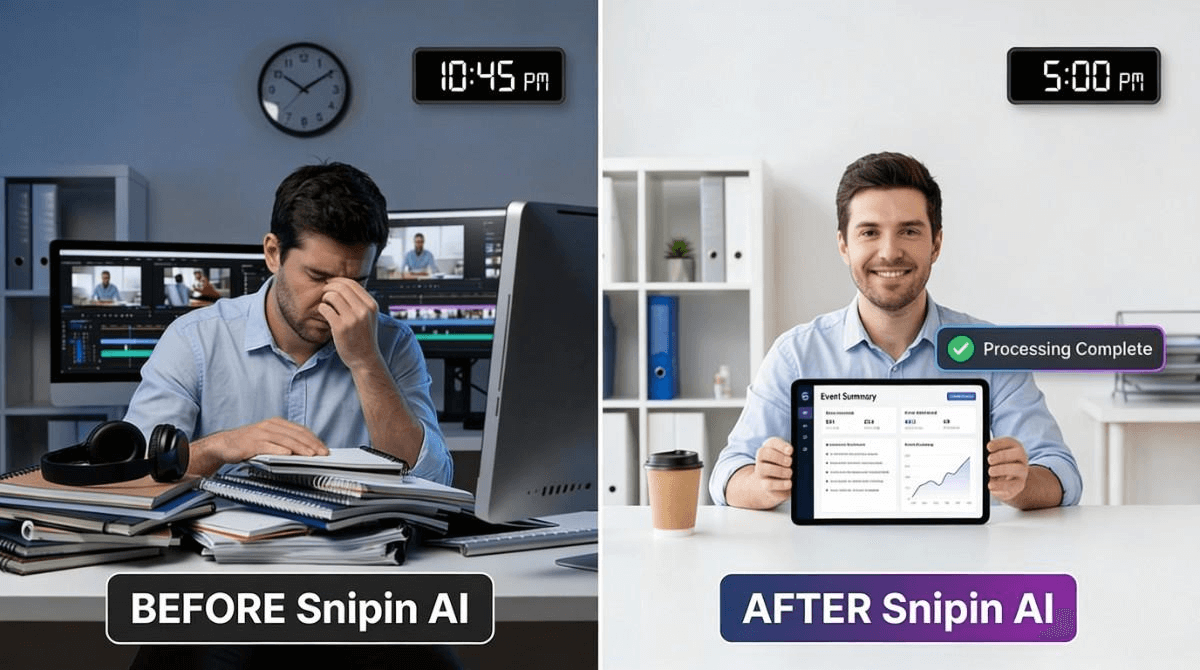
An AI event insights generator saves you from fatigue. If there are 5-6 sessions in a day, you can’t attend, observe, and summarize each one without feeling tired. By the time you are manually summarizing the event content insights or the event recording insights of the last session, your brain is probably half as active as it was during the first session.
Generates Multiple Content Types From A Single Recording
By using an AI event content insights platform like Snipin AI, you can generate multiple content pieces from a single event recording! Instead of manually extracting summaries, takeaways, and clips from your event recording, you can use AI to repurpose it however you want. Overall, you can do multiple tasks instead of just one in the same amount of time.
Retains Objectivity
When you manually try to craft event content insights, there is a high chance of your personal bias coloring those insights. In fact, you may not even consider some moments as insightful because they didn’t impact you as much. But with AI event content insights, you don’t have to worry about bias. An AI event insights generator objectively extracts insights from event recordings.
Frees Up Your Staff
When you use a smart event content insights generator like Snipin AI, your team doesn’t have to spend hours doing boring, repetitive work anymore. Instead, they can use their time to do other important things, like talking to guests and sponsors, making creative content, and coming up with new marketing ideas to get people excited about your events. The tool does the hard part, so your team can focus on the things that really help your event and company grow.
Unlocks Valuable Insights
An AI event content insights platform, like Snipin AI, can help you find interesting stuff in your event videos. Simply upload your recordings, and the platform will pull out the key event recording insights, letting you easily connect the dots. The more you use it, the better it gets at spotting trends. Instead of trying to understand the recordings like a person, it focuses on finding what's trending and any other patterns there. Plus, the takeaways in text format make for a solid foundation for deeper research.
Extracting Event Content Insights Using Snipin AI: How Does It Work?
So, we've discussed why summarizing events matters and how AI can assist. Now, let us introduce you to an AI event content insights platform called Snipin AI that does exactly that.
What Is Snipin AI And How Does It Work?
Snipin AI is Dreamcast's smart AI that changes how you use event recordings. It makes your long event recordings into short, shareable content. It pulls out the highlights from these recordings. You also get a concise summary of your event. All this information is put on a special event microsite made just for you and your attendees. Now, let's check out how Snipin AI works.
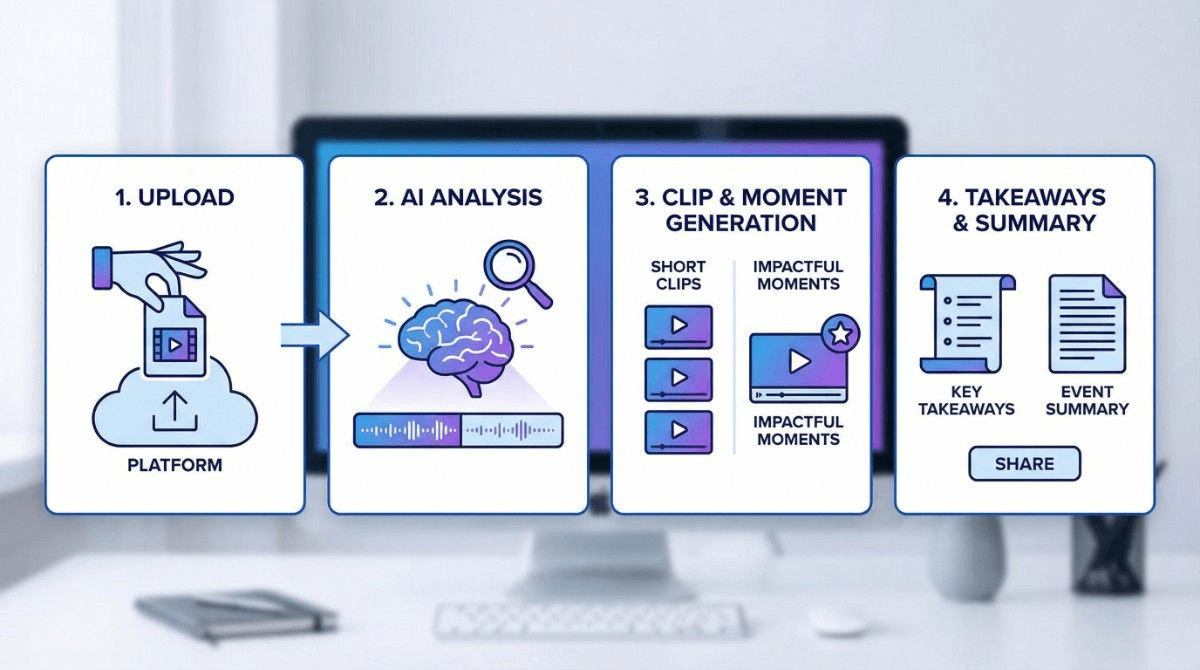
How Snipin AI Works: A Step-By-Step Guide
Snipin AI is an AI tool from Dreamcast that helps your events last longer. We know it's hard for event organizers to get the most from their recordings and reach more people, so here's Snipin AI to help you out. Let's take a look at what it can do.
Step 1: Upload Your Event Recordings
So first off, you just upload your event video. This could be a panel discussion, a talk, a workshop, or even a webinar – pretty much anything goes! If you don't have the video file itself, a link to it is totally fine. And don't worry about what kind of event it is, because Snipin AI is made to pick out the best event recording insights from any kind of event.
Step 2: Let AI Detect the Standout Moments
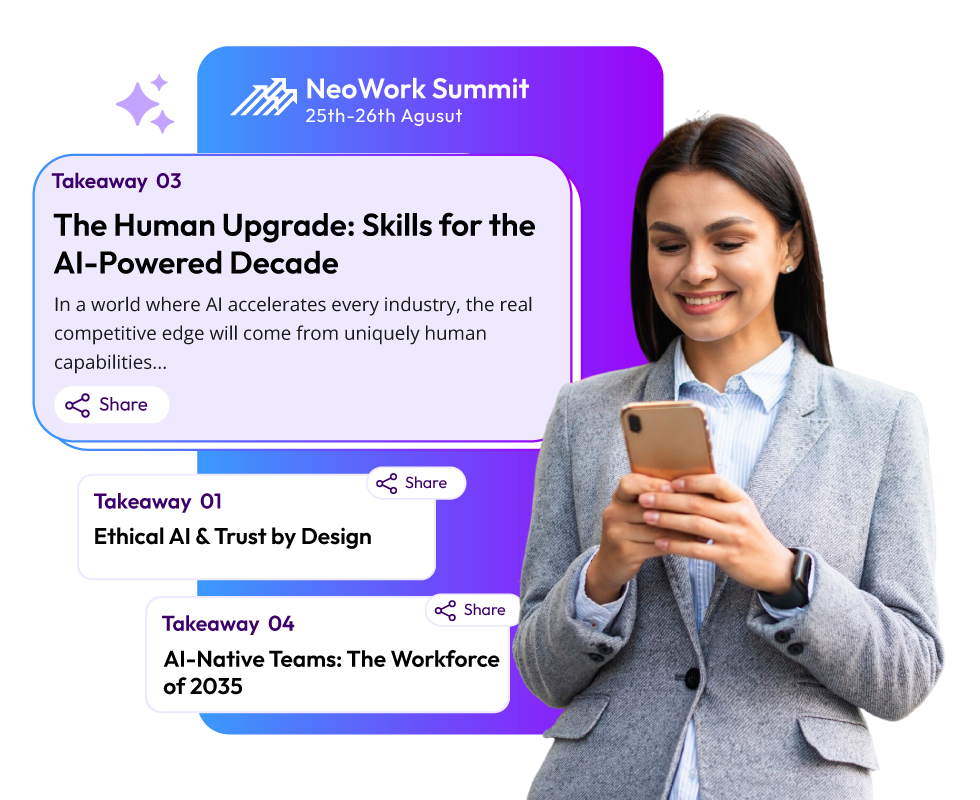
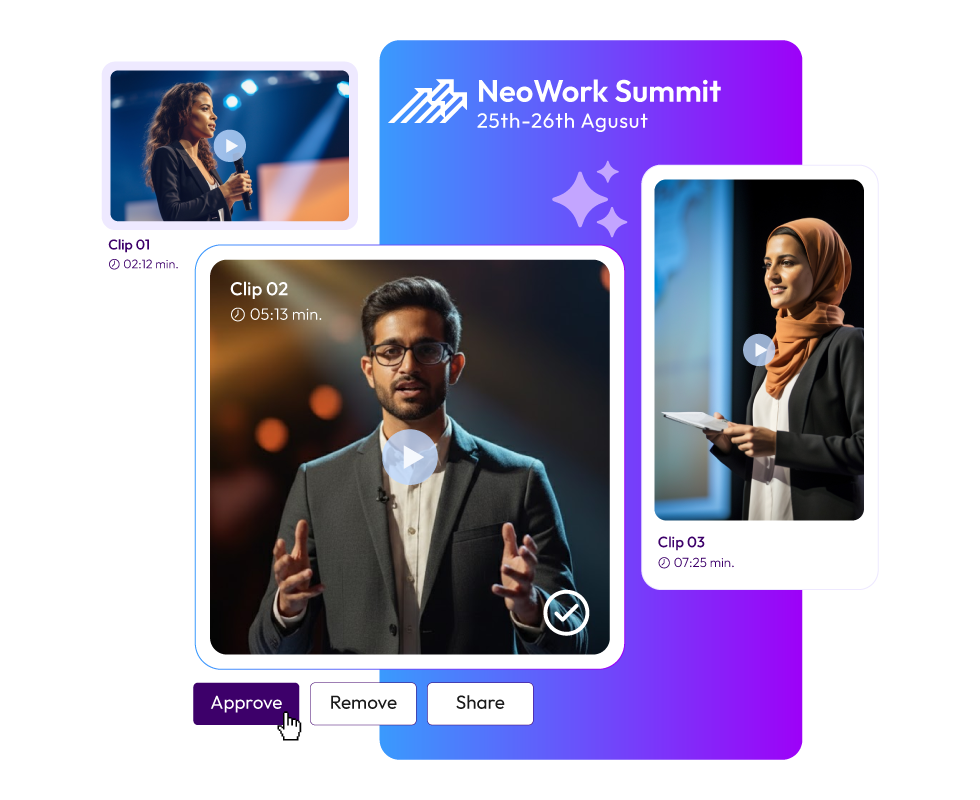
This is the stage where Snipin AI wields its true magic. Once you upload your event recording, it begins analyzing it. It picks the best moments from it. These moments could be anything from a mic-drop moment to a fun audience interaction. Next, it captures these highlights in short clips and even generates summaries and takeaways. As a result, you have multiple content formats ready to publish or use.
Snipin AI also captures eye-catching stills or visuals from your event. These make for great marketing content. If your event photographer is taking time to send the event's photographs to you, use Snipin AI instead of panicking. This is not it; the clips generated by Snipin AI have subtitles for the viewer's convenience. Now, imagine the ease of getting all this rich marketing material from your event within minutes. No long hours and no waste of human resources.
Step 3: Review And Edit
Snipin AI makes your work way easier by making clips, summaries, and key points for you. But don't worry, you're still in charge! You can check out the clips and pick the ones you like. Also, you can edit the summary and event content insights.
Step 4: Share How You Like
Once you have your event content insights or event recording insights ready in the form of clips and summaries, choose how you wish to share them. You can use messengers, email, and social media. Just one click, and your event is out there to engage audiences once again! If you plan on creating an event blog or website, the ready-made summary and takeaways can come in handy. If for nothing else, you can use them as a starting point to build your research on the concerned topic. As you can easily download or save the clips and takeaways, you don't need to rush with your publishing. You can take time to think over your marketing plan, and then use these AI-based event insights.
Step 5: Monitor Performance
We made Dreamcast's Snipin AI because we know data is super important. If you've got clips ready to go and ways to get them out there, but no way to see how well they're doing, you're just wasting time. That's why Snipin AI has a dashboard that shows you how your content is doing. You can see what's trending, what people like and share, and stuff like that. This helps you plan what to do next and get better at marketing.
Final Thoughts:
At events these days, people are swamped with info but only remember a bit. That's where Dreamcast's Snipin AI helps out. It makes your event easier to remember. It helps you create short and shareable clips from long recordings.
Plus, you can track how well those clips do with Snipin AI’s stats. For organizers, this is still helpful after the event. Use the main points to follow up with people, plan better events next time, and get feedback. Basically, events are about getting those event recording insights that move things forward. Snipin AI helps you do just that!
FAQs
1. What is the use of event content insights?
Event content insights allow you to revisit your event easily. They are watchable and shareable, which full-length event recordings aren’t.
2. How is an event insights generator different from manual summarization?
An event insights generator like Snipin AI extracts highlights from event recordings within minutes. It doesn’t require anyone to sit, watch, and analyze the recordings.
3. Does Snipin AI generate video clippings only?
No. Snipin AI detects standout moments from your event recordings, including stills. It also generates event summaries and key takeaways.
 Raghav • December 9, 2025 • 6:01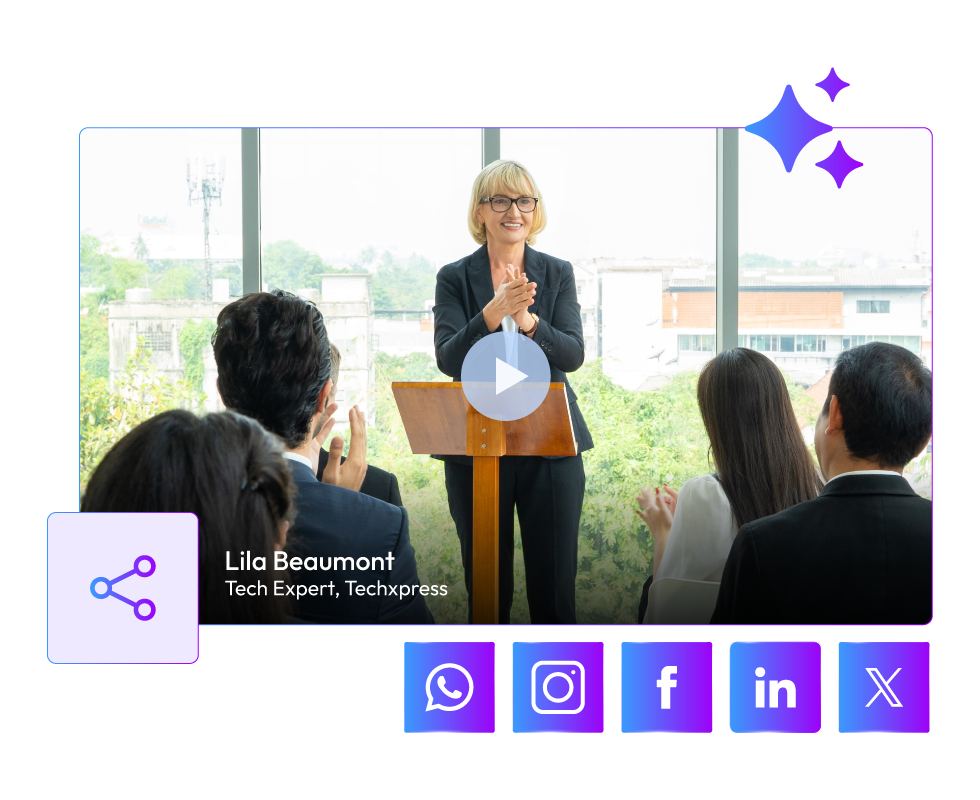
 Arun • December 4, 2025 • 7