 Mohi
Mohi
Post-event video summaries are the best solution to make rich event content reach everyone.
Imagine a literature festival or a leadership conference where the best intellectual minds gather to share their knowledge with the world. These events are not just calendar dates, but incredible opportunities for people to learn and grow from the best of the best!
But, if you really think about it, how many people are actually able to access this treasure trove of intellectual content? Just those who are present in the sessions when they are happening.
Even if several others are in the same event, they miss out on great insights because they may not be in that one session! The same applies to attendees of all other sessions and the non-attendees as well.
But an AI video summarizer for events can be a lifesaver. If you ditch one session for another, just watch the AI-powered post-event video summaries later to see what you missed! And for those who couldn't make it, these summaries are great for getting up to speed without feeling left out. In this blog, let's examine 10 such AI tools that can come in handy when you need to make your event content reach thousands of people.
The Rising Importance of Post-Event Video Summaries or Micro-Content
People's attention spans are getting shorter really quickly. Studies say people scroll past stuff in less than 8 seconds. That's why post-event video summaries or micro content have become a must-have for event marketers.
Like, short videos grab you right away. A 30-second clip from your main speaker does way better than a 45-minute recording. People watch, get into it, and share these little bits on channels like LinkedIn, Instagram, and Twitter. They're easy to watch, share, and are made for how people consume content these days.
Quick takeaways have another job that's just as important. Not everyone can watch videos, even the short ones. A fast list of main points lets busy people look over and get the info in seconds. They can save it, send it to coworkers, or look at it later in meetings.
Put them together, and these short bits reach your audience where they are. They keep in mind time limits while giving real worth. Events that do this see more people get involved and have a longer-lasting impact after the event itself.
AI Video Summarizer For Events: Meaning and Key Benefits
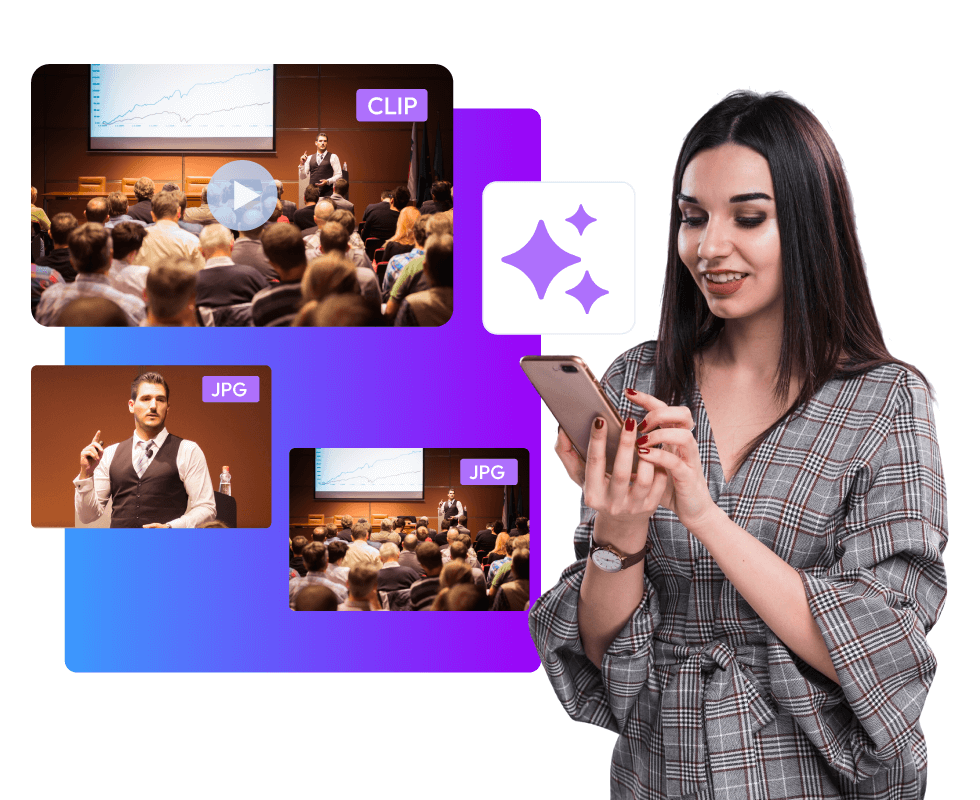
So, your event's done, right? You've got all these recordings just sitting on your computer, never to be seen again. Your event content just fades away, and that dream of it reaching tons of people? Forget about it. But an AI video summarizer for events can totally change that. It's like a tool that reuses your event content. It watches the recordings, finds all the good parts, and makes them into watchable clips and photos. It actually puts those old recordings to work and gets you a range of marketing assets.
Here are the key benefits of an AI event highlights generator:
- Turns event recordings into clips and summaries.
- Helps the brand's and the event's visibility.
- Saves editors and marketers time.
- Makes the event easy to watch again and share.
- Finds the best parts of event recordings objectively.
- Gives organizers an easy way to show off and market their event content.
- Lets organizers easily see how well their event content is doing.
- Lets staff focus on other important stuff.
- Easy to learn; no special skills needed.
10 Must-Know AI-Video Summarizers for Events
Here are some of the best choices of AI-video summarizers for events:
1. Snipin AI
Snipin AI helps teams get the best stuff out of long event videos. It's like an AI that watches your videos and finds the good parts—like insights, moments, or stuff the audience will care about. People use it after conferences, webinars, and company events to change long recordings into short, shareable clips and summaries. It's meant to make reviews quicker and keep content organized.
Here's what it's good at:
- Finds the important stuff in long videos automatically.
- Makes short clips and written summaries from one video.
- Keeps all your event content in one place.
- Lets you share on social media and within your circle.
- Great for marketing, training, and keeping everyone in the loop.

Make Your Event Content Stand Out With Snipin AI
2. OpusClip
OpusClip is all about turning long videos into awesome short clips for social media. You just upload recordings like webinars, interviews, or presentations, and it picks moments that will get people's attention. The clips are made to look good on phones and other devices, so posting them is easy. This tool is all about getting a lot of clips out fast, not about fancy editing.
Here's what it does:
- AI helps pick the best parts for short clips.
- Adds captions and reframes automatically.
- Has ready-made formats for social platforms.
- Schedules your content for all platforms.
- Easy to use and fast.
3. Munch
Munch looks at long videos and picks out short clips based on context and themes. Think of it as an event highlights generator, finding the best parts with clear messages or emotional moments. Marketing teams like it because they can get lots of short clips from long videos without having to watch everything.
Here's what it can do:
- Figures out what parts people will like.
- Formats clips for all sorts of social media.
- Adds captions.
- Good for making promos.
- Works in 10+ languages.
4. Vizard.ai
Vizard.ai is a great tool for quickly turning long videos into short, shareable clips. It’s awesome for recorded talks, webinars, and live streams when you're pressed for time. It spots pauses in speech and automatically makes them into short videos with captions. This is a lifesaver for content teams that need to crank out stuff and want to show off the best moments from events.
Here’s what it can do:
- Automatically cuts up long recordings.
- Adds subtitles by itself.
- Saves in different file types.
- Works great with videos of people talking.
- Ideal for consistent posting.
5. Descript
Descript allows you to edit video just like you'd edit a text file. Once you record something and the audio is turned into text, you can select parts of the text and turn them into video clips. It's super useful for summarizing event videos by picking text snippets to create short videos. It’s awesome when you need edits that are precise and desire total control.
Here’s what it offers:
- Edits video and audio using text.
- Has super accurate transcription.
- Creates clips straight from the transcript.
- Cleans up audio by removing noise.
- Saves short content in lots of ways.
6. Kapwing
Kapwing is a browser-based editor that combines basic AI assistance with manual editing tools. It supports clipping long videos into short segments while allowing users to refine timing, captions, and layout. The platform is often used by teams that want flexibility without installing software.
Key Features
- AI-assisted clip suggestions
- Automatic subtitles
- Drag-and-drop timeline editing
- Social media-friendly export sizes
- Works entirely in the browser
7. VEED.io
VEED.io offers a simple way to create short clips from longer videos. Its tools help trim footage, add captions, and adjust formatting for different platforms. The editor is designed for users who want fast results without complex workflows.
Key Features
- AI-powered trimming tools
- Automatic caption generation
- Audio cleanup options
- Preset formats for social video
- Quick export and sharing tools
8. Flowjin
Flowjin helps you make short clips from long videos, adding text to them. It's great for making post-event video summaries for LinkedIn. It can cut videos and suggest captions and posts to make publishing simpler.
Key Features:
- Automatically extracts clips
- Makes captions and post text
- Offers brand-friendly layouts
- You can send stuff to different platforms
- Works great for business content
9. Taja.ai
Taja.ai helps you reuse long videos into other content formats. It can make short clips, titles, thumbnails, and text. It's best for organized recordings like presentations and how-to guides.
Key Features:
- Finds the best parts automatically
- Makes short videos and texts
- Writes captions and titles
- Helps you plan your content
- Formats it for social media
10. Framedrop
Framedrop finds the best moments in long videos and turns them into short clips super quickly. People use it when they need fast post-event video summaries so they can post them right away.
Key Features:
- Finds highlights fast.
- Makes clips in different formats.
- Writes summaries.
- Made for posting things super quick.
- Good for when you have a lot of volume.
The Future of AI Event Content Repurposing
Event tech is changing fast. Soon, it'll even suggest custom follow-ups based on what people watched or liked. Content will change on its own to fit how people like to learn.
AI and event planning? Great mix. You get more from each event, but don't work harder. Events using these tools now are seeing better results. People who attend are happier. Staff gets stuff done faster and easier. Organizers still doing things the old way are getting left behind.
Summary:
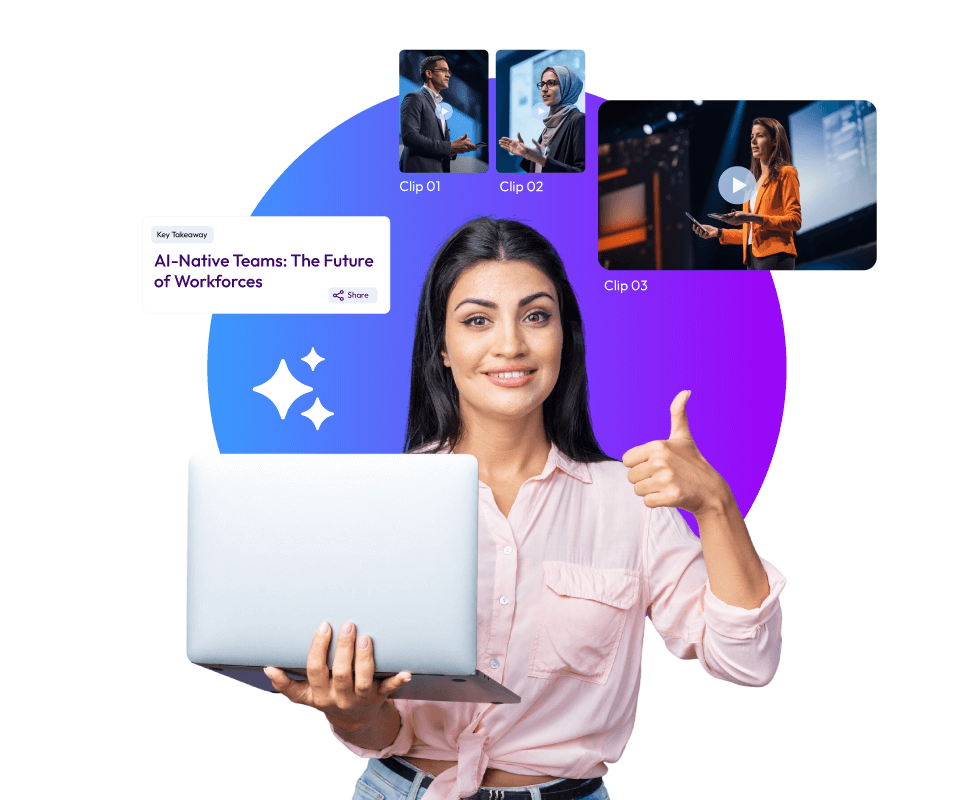
An event highlights generator helps you get awesome content from your event recordings, which would otherwise just sit there on your computer. For example, Snipin AI can automatically find the best parts of your event videos and make them into shareable video clips.
This kind of micro content is trending these days for audience engagement and wider reach. This blog discusses some of the top AI tools that generate post-event video summaries. All these tools can come in handy when event marketers want to make their event content reach people beyond the venue.
 Raghav • January 15, 2026 • 7:11