 Mohi
Mohi
A podcast is meant to perform well and drive views. In fact, any content posted on social media is meant to generate the same outcomes. That’s why, besides the core content, there are so many other things that teams work on to expand their reach. A podcast is no exception. If you are a podcaster and you have put in your best efforts into planning an unbeatable content calendar, you’ve still got to work more to make this content get a good reach. This blog will give you a super efficient shortcut to making your podcast and event content more social-media ready and share-worthy: The AI podcast clip generator.
Converting Your Podcast to Short Clips: The Surefire Way to Get Better Reach
Converting your podcast to short clips is one of the easiest ways to reach more people today. Long episodes are useful, but not everyone has the time to listen to them fully. Short clips help you share your ideas in a quick and simple way. They also make your content easier to discover and remember. Here are some of the ways in which you can get a better reach with short clips:

Easy to Watch and Share
Short clips are simple to watch. People can listen to them while scrolling or taking a break. They are also easy to share with others. This helps your content travel faster across platforms.
Reach More People
Not everyone will listen to a full podcast. Many people prefer quick content. When you convert your podcast to short clips, you open the door to a wider audience. More people can see and engage with your ideas.
Highlight Key Moments
Every podcast has strong moments. These could be useful tips or powerful thoughts. Short clips help you bring these moments forward. This way, people get the best parts without missing out.
Keep Your Content Active
One episode can give you many clips. You can post them over time. This keeps your content going even after the episode is out. It helps you stay visible without creating new content again and again.
Save Time and Effort
Creating new content takes time. Short clips make it easier. You already have the material. You just need to shape it. This helps you stay consistent without extra pressure.
Build Stronger Interest
When people watch a short clip and like it, they may want more. This can lead them to your full episode. Convert your podcast to short clips to create that interest and bring more listeners to your work.
Demand Sage notes that videos under 1 minute draw an engagement rate of 50%. This should tell you how much you can benefit if you convert your podcast to short clips. But, how do you do that without spending too much time on manual editing? Read on to find the solution.
AI Podcast Clip Generator: The Best Way to Convert Your Podcast to Short Clips
Podcasts are long and editing them manually takes time. Plus, finding the right moments is not always easy. This is where an AI podcast clip generator like Snipin AI becomes the best choice. It handles the tedious work for you and keeps the process simple.
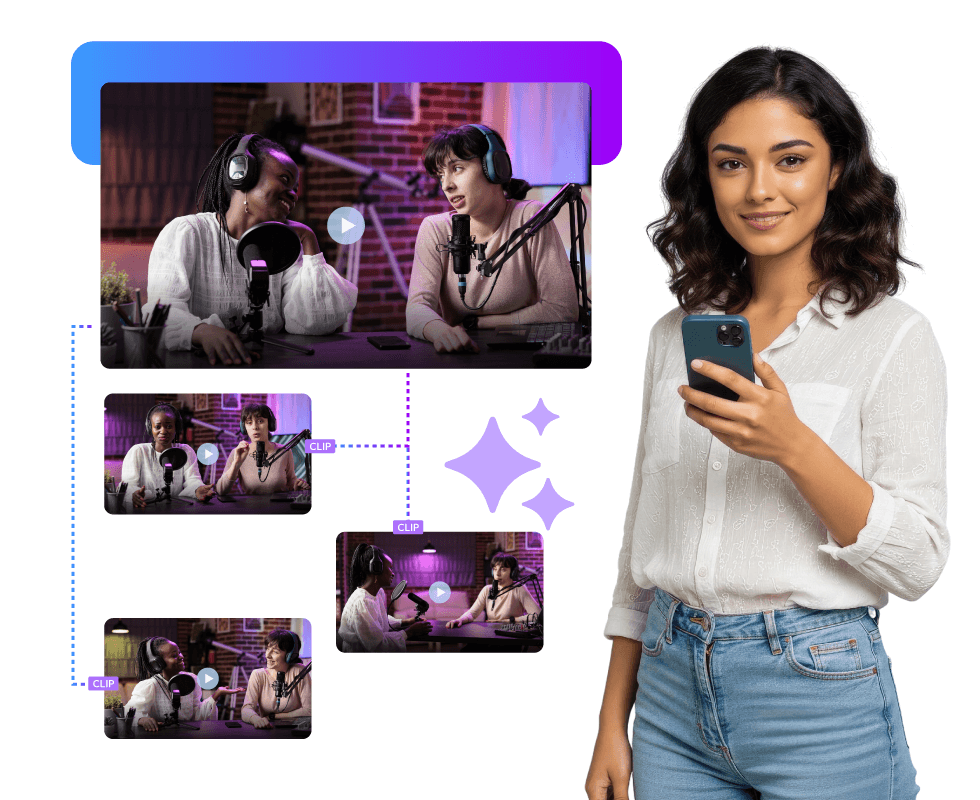
Instead of going through the full episode yourself, the tool scans everything in one go. It understands speech, pauses, and key ideas. Then it creates clips that are ready to use. This makes it much faster and more reliable than manual editing.
Here’s why an AI podcast clip generator works better:
- It scans the full episode without missing key moments
- It creates clips quickly, saving hours of work
- It keeps the output consistent every time
- It reduces the need for manual effort and editing skills
- It helps you stay regular with content without extra pressure
When you convert your podcast to short clips using AI, you also get more control. You can review and adjust the clips before sharing. So you are not losing control, you are just speeding up the process.
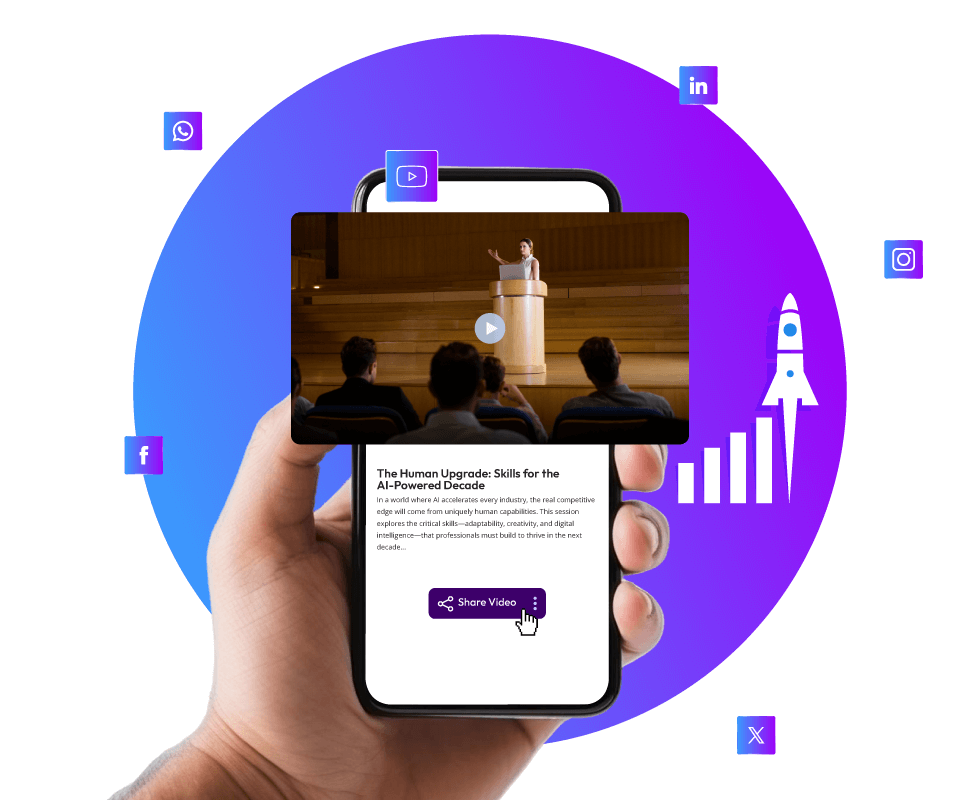
This approach is similar to how a conference highlight generator works for conferences. It turns long conferences into short highlights without manual effort. These short clips can then be shared for internal communication purposes like training or external sharing like with industry fellows and the general public. The best part is Snipin AI works as a conference highlight generator for conferences as well!
How to Use an AI Podcast Clip Generator Like Snipin AI?
Using an AI podcast clip generator like Snipin AI is simple. You do not need technical skills to get started.
The process usually looks like this:
Upload your podcast file
Let the tool scan and find key moments
Review the clips it creates
Make small edits if needed
Export and share the clips
The tool looks at speakers’ speech, tone, and other inflections. It also scans audience reactions to highlight moments during sessions. Then, it creates clips that are ready to use. This makes it easy to convert your podcast to short clips without much effort.
It also works well for large content needs. For example, when you have a multi-day event and you have to convert many long event videos to short clips, the AI follows a similar process, and gives you the output in no time!
The Benefits of Using Snipin AI Against Manual Editing
Manual editing takes time and effort. You have to go through the full content, pick moments, and edit them. This can slow down your work. An AI podcast clip generator makes this much easier.

Here are some clear benefits:
Saves Time: Clips Are Ready in Minutes
Editing a podcast the usual way takes a lot of time. You have to listen to the full episode, find the right parts, cut them, and then format them for sharing. This can take hours for just one episode. With AI, this process becomes much faster. The tool scans the entire recording in minutes and pulls out useful clips on its own. You do not have to sit through everything again. This helps you move quickly, especially when you want to share content while it is still fresh.
Consistent Output: AI Does Not Miss Important Parts
When people edit manually, they may miss some good moments. It can happen due to time limits or simple oversight. AI does not face this problem. It goes through the whole recording carefully and looks for patterns like strong statements or key discussions. This means you get a more complete set of clips. The quality stays steady every time, no matter how long or complex the podcast is.
Less Effort: You Do Not Start from Scratch
Creating content from the beginning can feel heavy. You need ideas, time, and focus. With AI, you already have a base to work with. The clips are created for you, and you only need to review them. If you want, you can make small edits. This reduces the effort needed from your side. It also makes the process feel lighter and easier to manage.
Cost Friendly: No Need for Large Editing Teams
Manual editing often needs skilled people and proper tools. This can increase costs, especially if you produce content regularly. AI tools reduce this need. One system can handle most of the work. You do not have to depend on a large team for basic editing tasks. This helps you manage your budget better while still creating good quality content.
When you convert your podcast to short clips using AI, you reduce pressure on your team. You can focus more on ideas and less on repetitive work. This method is useful in any kind of event video content repurposing. Just like podcasts, event recordings of conferences, trade shows, webinars, etc. can be turned into short and useful clips.
Use of Snipin AI for Podcasts and Other Use Cases
Snipin AI is flexible. It works for podcasts and many other types of content. It is highly useful in other areas like:
- Conferences: Turn long sessions into short highlights that are easy to share and revisit
- Townhall: Create simple clips from internal meetings to share key updates with teams
- Virtual Events: Break down long online sessions into short, engaging content
- Trade Shows: Capture important moments and showcase them as quick highlights
- Pharma Events: Share key insights and discussions in a clear and easy format
The same tool can support long event video to short clips AI needs. This makes it easier to manage and reuse content across formats.
Conclusion
An AI podcast clip generator helps you get more value from your content. It makes it easy to convert your podcast to short clips and share them across platforms.
You save time, reduce effort, and stay consistent. One episode can give you many clips, which keeps your content active. Over time, this helps you reach more people and build stronger engagement.
FAQs
What is an AI podcast clip generator?
It is a tool that turns long podcast episodes into short clips. It uses AI to find key moments and create ready content.
Why should I convert my podcast to short clips?
Short clips are easier to watch and share. They help you reach more people and keep your content active.
Can I control the final clips?
Yes, you can review and edit the clips before sharing them. This ensures they match your needs.
Can this be used for other content?
Yes, it works for events, webinars, and meetings. It helps turn long recordings into short and useful clips.